How to find Flagged Feedback within the Portal
Last updated: March 2, 2026
Your users have the ability to raise issues with calls they experience within the softphone now https://devyce-knowledge-base.help.usepylon.com/articles/8271259132-flag-a-call-issue-or-report-a-technical-issue-in-the-softphone
This means your users don't need to step away from their softphone to let you know of any issues they may be experiencing and save the back and fourth of asking for examples
Allowing you to triage and report more easily and effectively than before
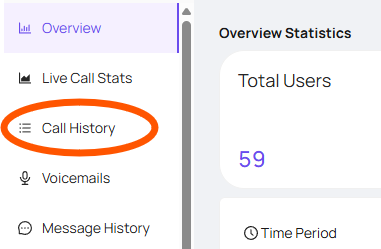
To view the calls your users flag you can go to your Portal and open your call history tab - https://portal.devyce.io/dashboard?days=7
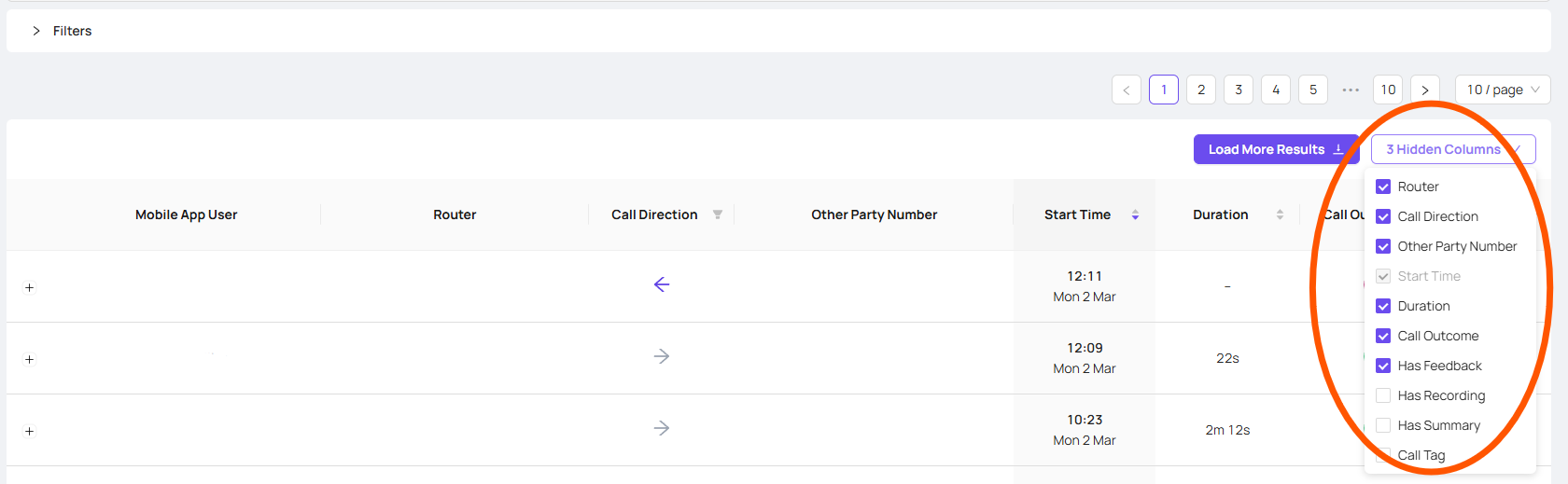
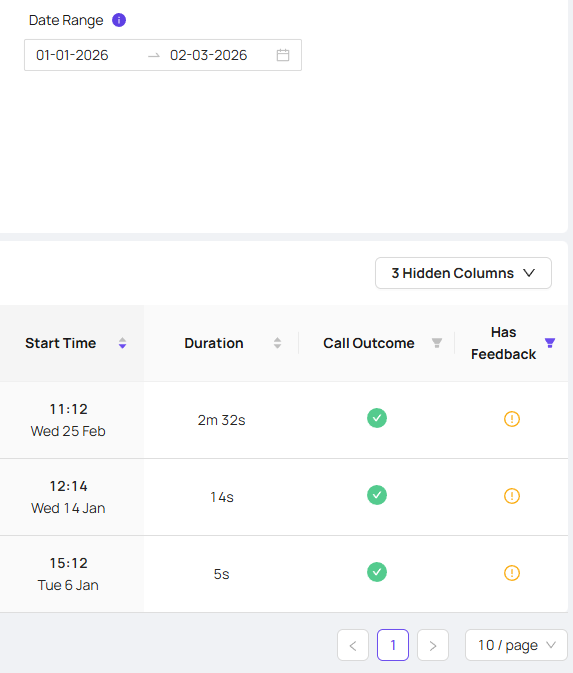
Here you will see all your calls as well as some additional options, where you can filter via call tags, call direction and in this case 'Has Feedback'
You can then filter according to the user, date range and more
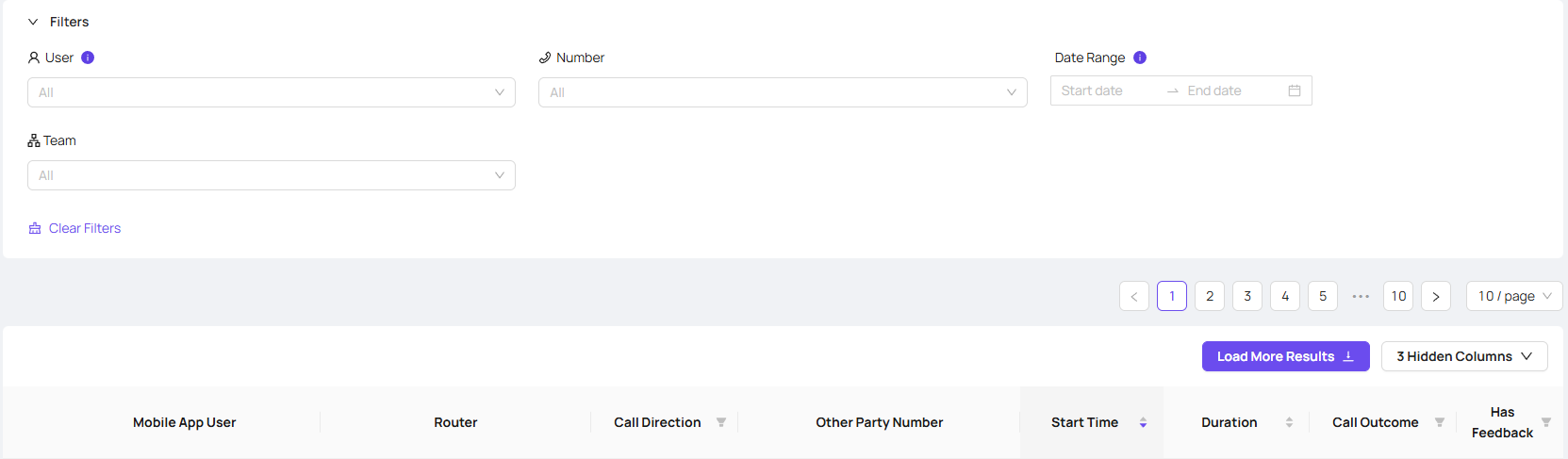
You can then use the 'has feedback' filter for the selection you have chosen, and click 'load more results' to go through the feedback calls within this date range
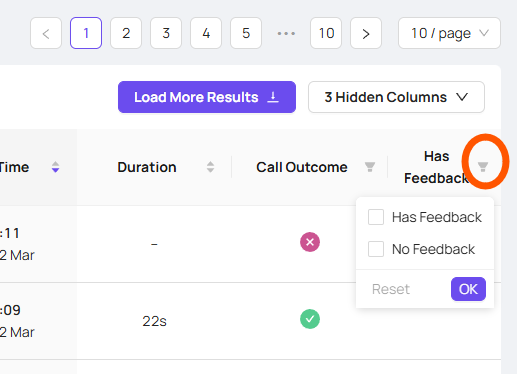
Once you have selected the filter you want, and clicked 'OK' to set this, you can use the 'load more results' button to load all the information for that date range and once completed this button will disappear leaving all your results available
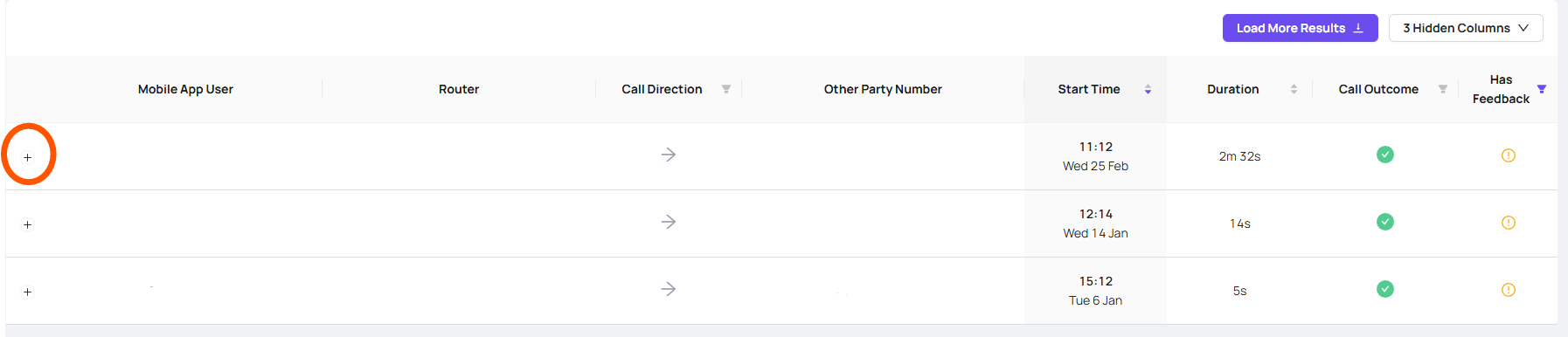
You can then use the drop down to view more details of what issue occurred
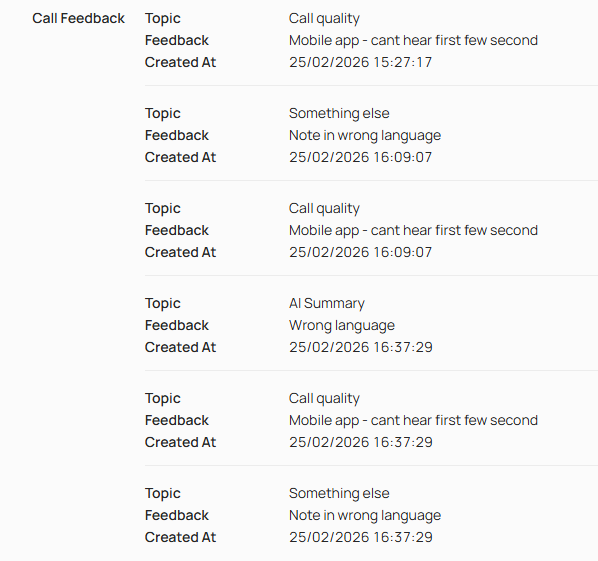
Allowing you to triage your teams issues, and report them to our team at support@devyce.co.uk to assist you further