Downloading Call Recordings - Softphone - User
Last updated: May 13, 2025
Go to your Softphone https://softphone.devyce.io/conversations/
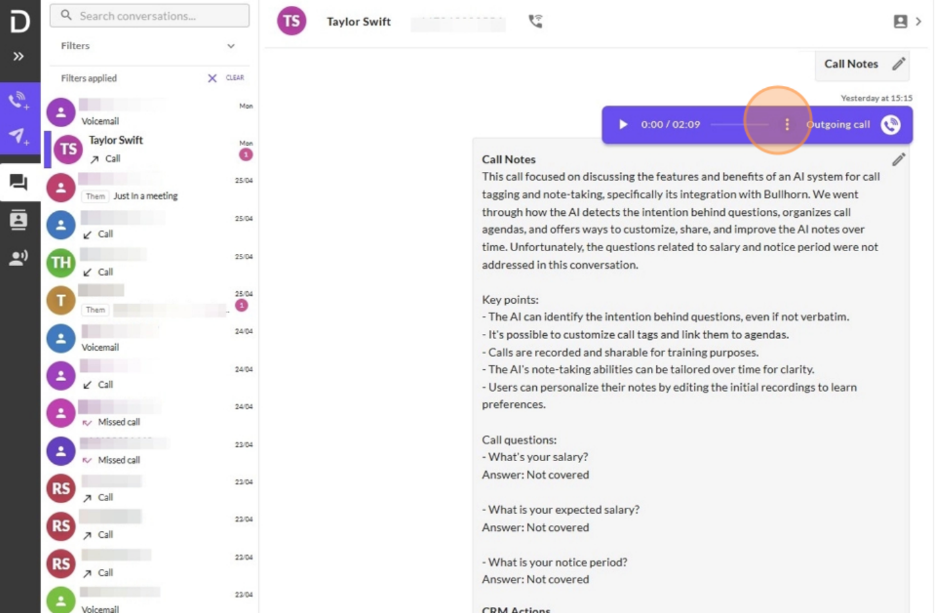
Navigate to the call within your call history you are wanting to download the recording for.
Once you have found the call you wish to download, click on the three dot icon.
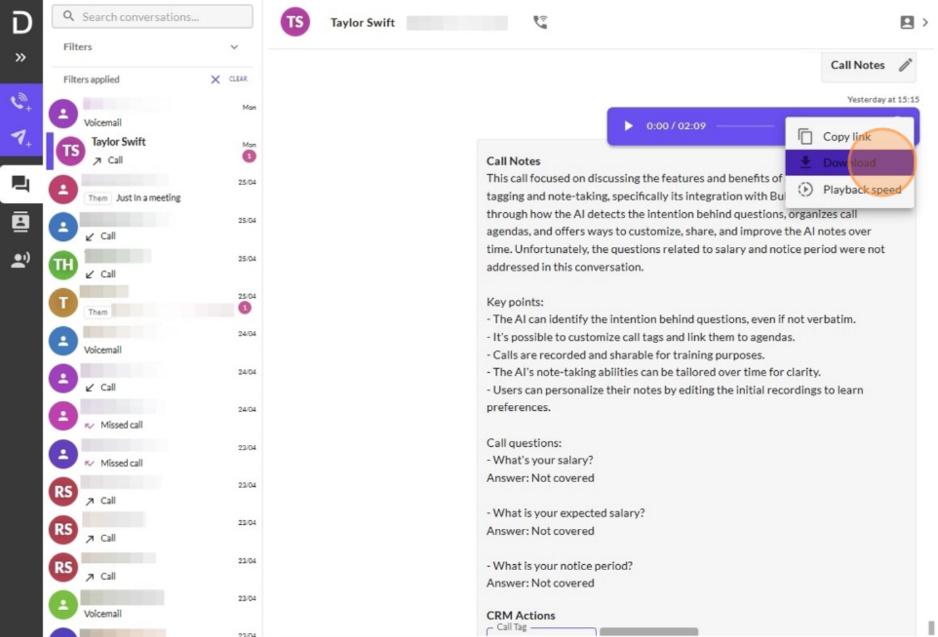
Click download and the recording will open in another tab.
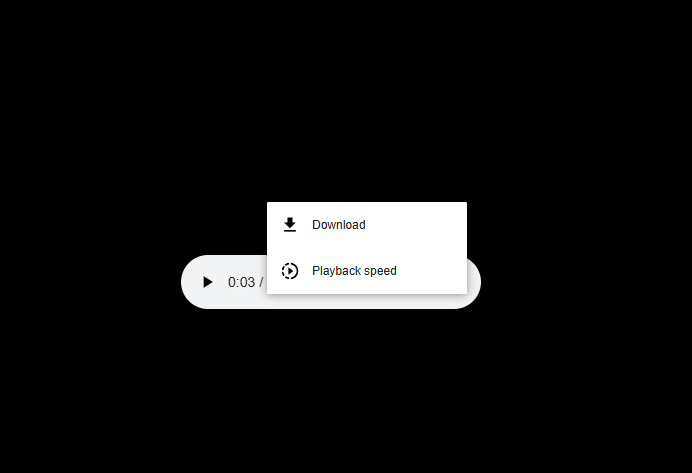
Here you can then choose to listen back to the recording within this tab, or click to download using the three dot icon.
This will then show in your download history within your browser, as well as within your downloads on your computer.
This can then be played through your media player, and saved as a WAV file.