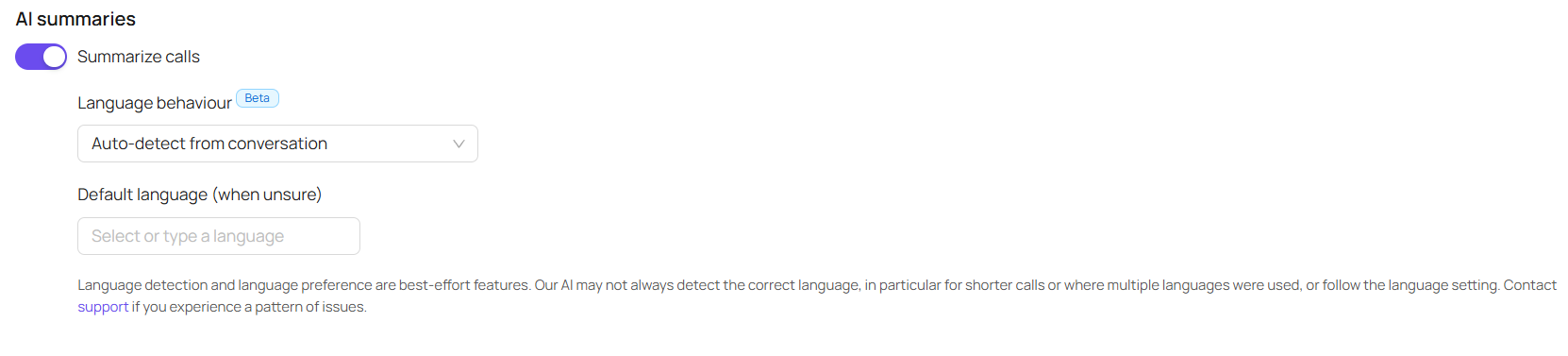
AI Summary Language Settings
Last updated: May 14, 2026
Navigate to https://portal.devyce.io and click on call settings
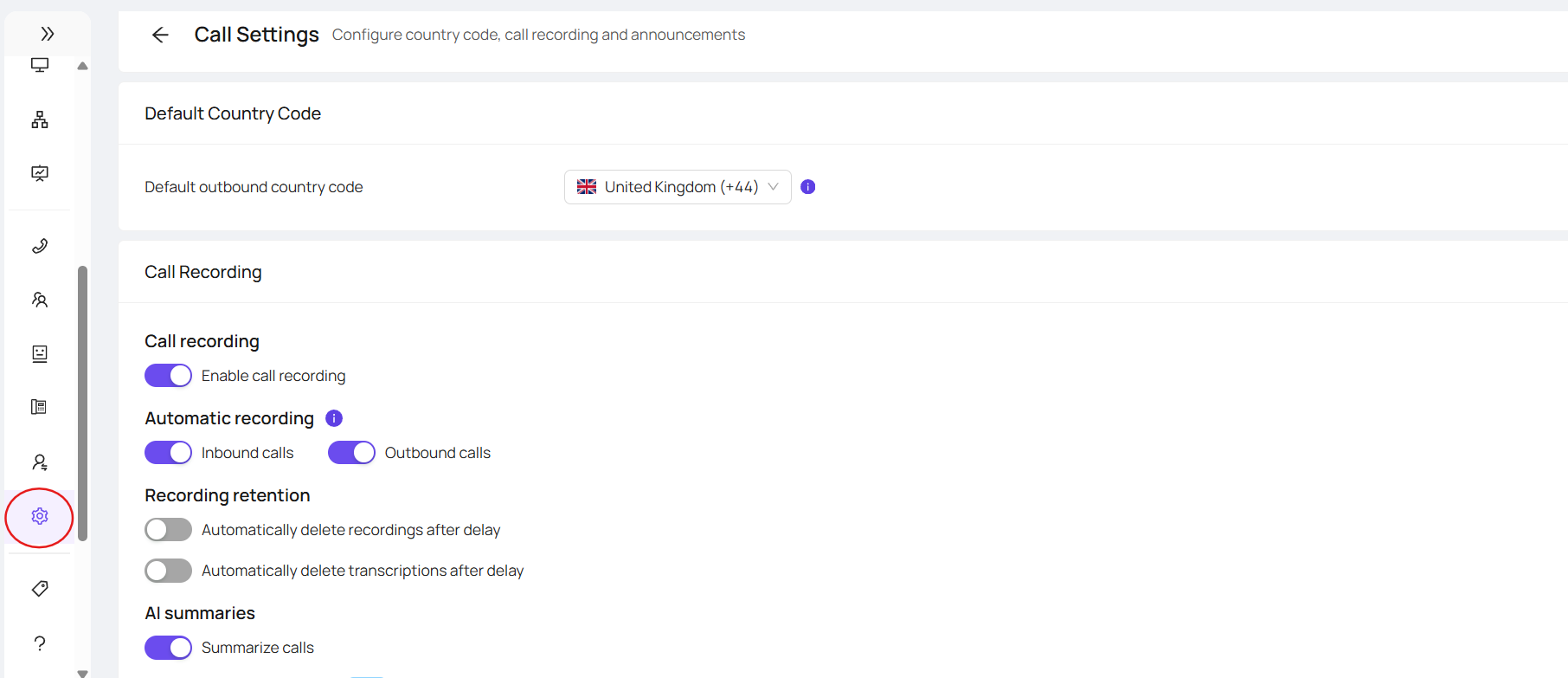
Here you can scroll down to AI Summaries, and click the language detection settings
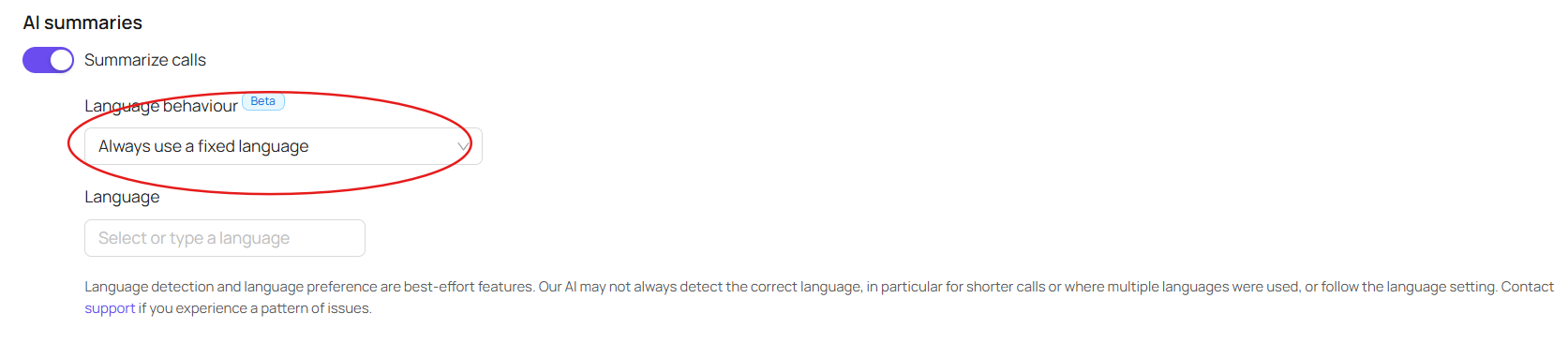
You can select your chosen language if you want summaries to be created in a single language
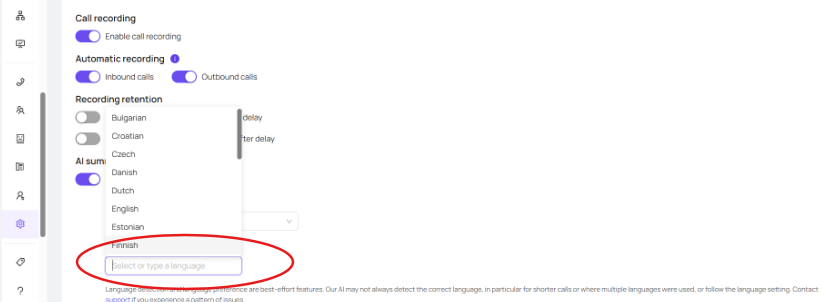
Or you can choose for the system to auto detect according to the language being spoken