Blocking Numbers - Admin
Last updated: February 4, 2026
Sometimes you may need to block a number from being able to reach your organisation. The below steps show you how to do this. Please note you will need admin access to do this and this will block the number for your whole organisation.
Step One:
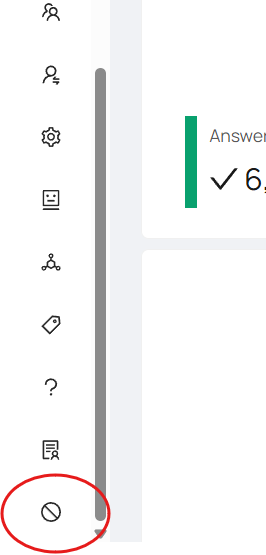
Log in to the portal & head to the blocked numbers tab.
Step Two:
Type in the number you wish to block (please include the correct area code) and click 'Block Number'.
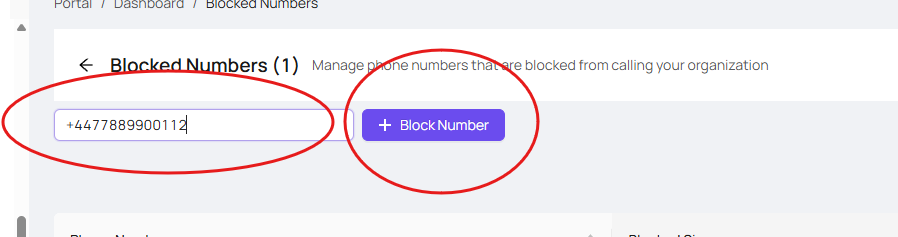
The number is now blocked and should appear in the list below:

Step Three:
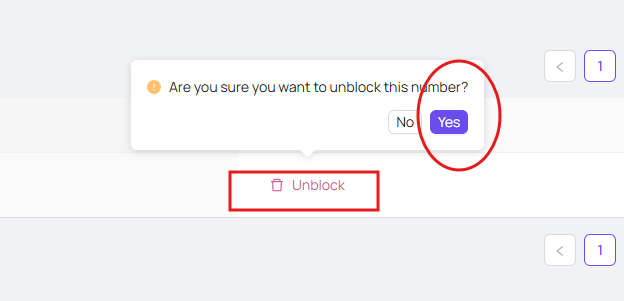
If you need to remove a blocked number from the list , simply select 'Unblock' & 'Yes' and this will unblock the number.