How to ensure your notifications are setup on your Google Chrome correctly
Last updated: August 21, 2025
Devyce recommends best practice is to use Google Chrome with Devyce.
Sometimes Google can prevent notifications for your Calls, this can be turned off via the below steps:
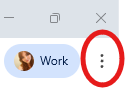
Please navigate to the below button, and then click on the settings button:
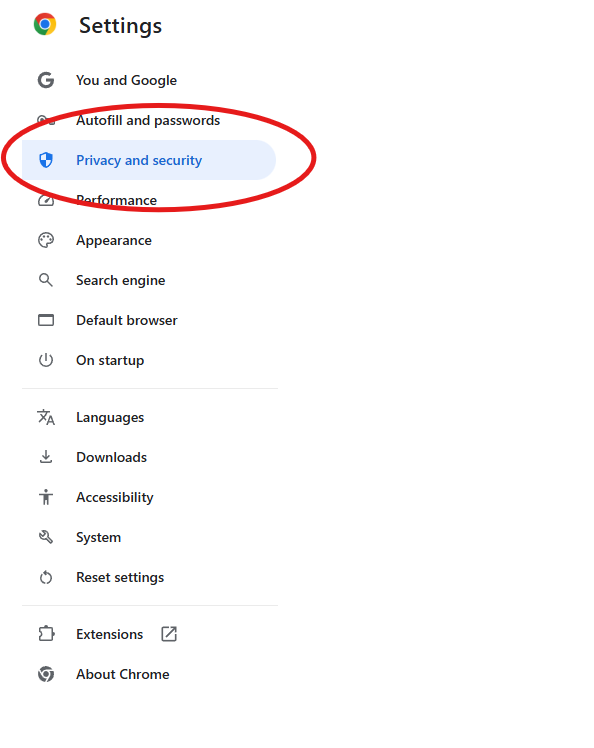
Once in settings you can click on the privacy and security option:
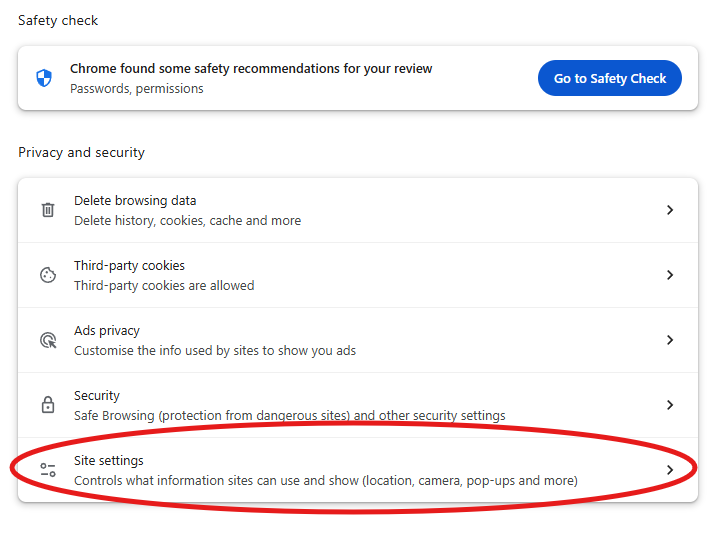
You can then click on the below site settings option
Once within this section, you can scroll to the permission section:
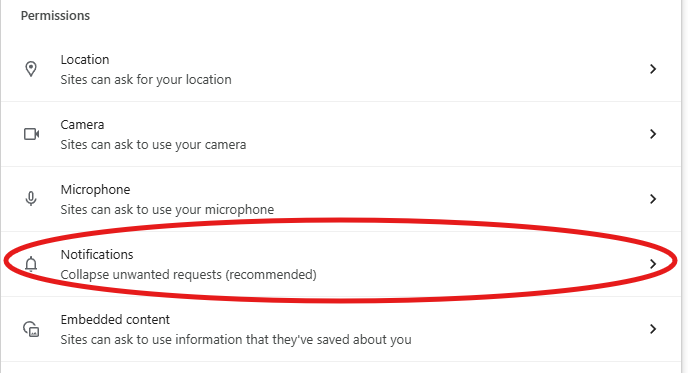
This will open additional information, and a section named 'Allowed to send notifications'
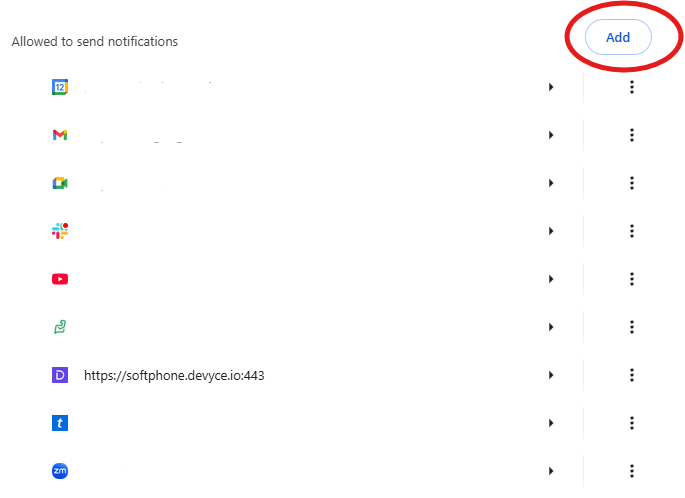
Here you can click the above 'Add' button, and add in the softphone, using the Softphone URL - https://softphone.devyce.io
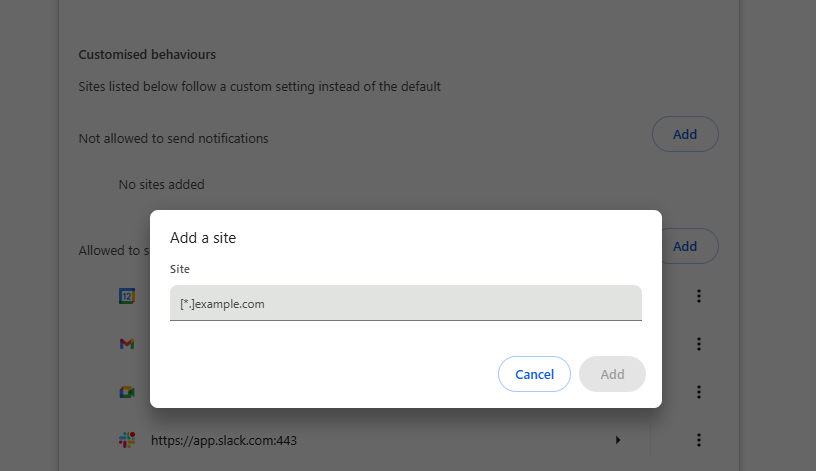
This should then allow notifications to show on Google Chrome for incoming calls.