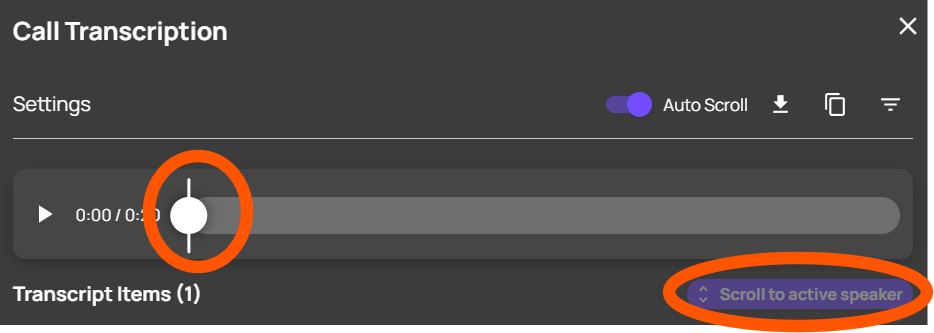
How to view call transcriptions within the Softphone
Last updated: February 18, 2026
Navigate to https://softphone.devyce.io/ and go to your Conversations
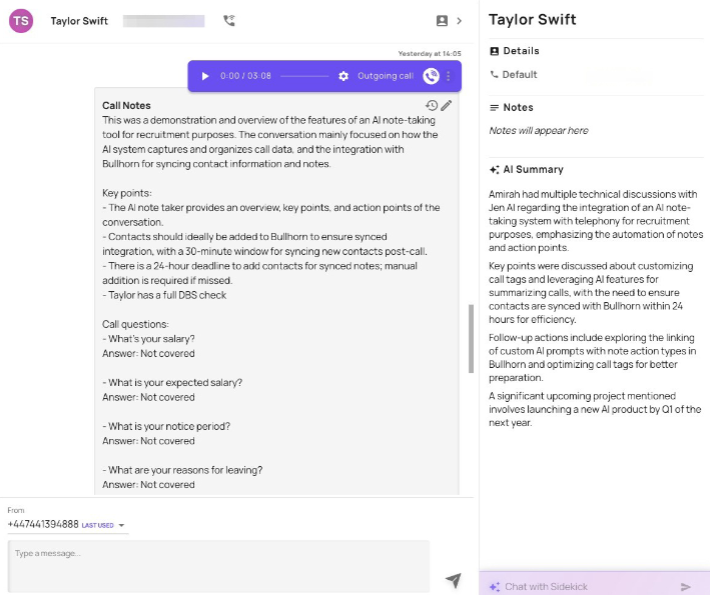
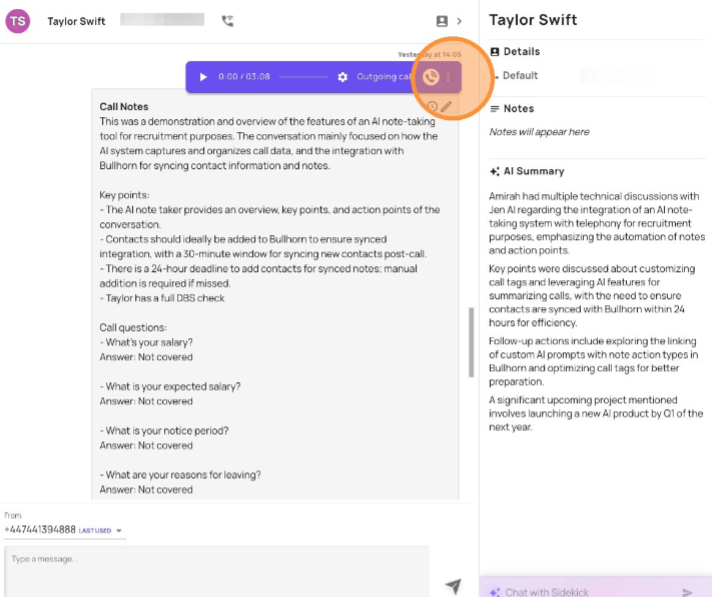
Click the "three dots" to expose the call option drop down menu
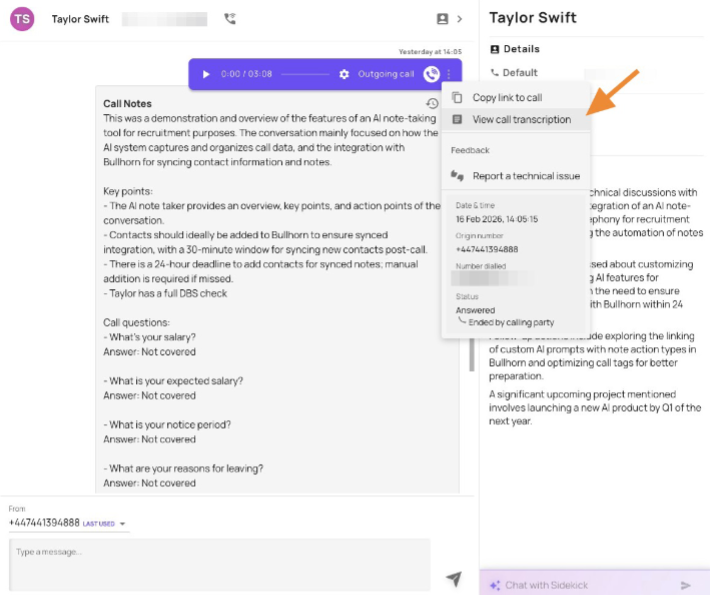
Click to "view call transcriptions"
You can download the transcription, by clicking the below button
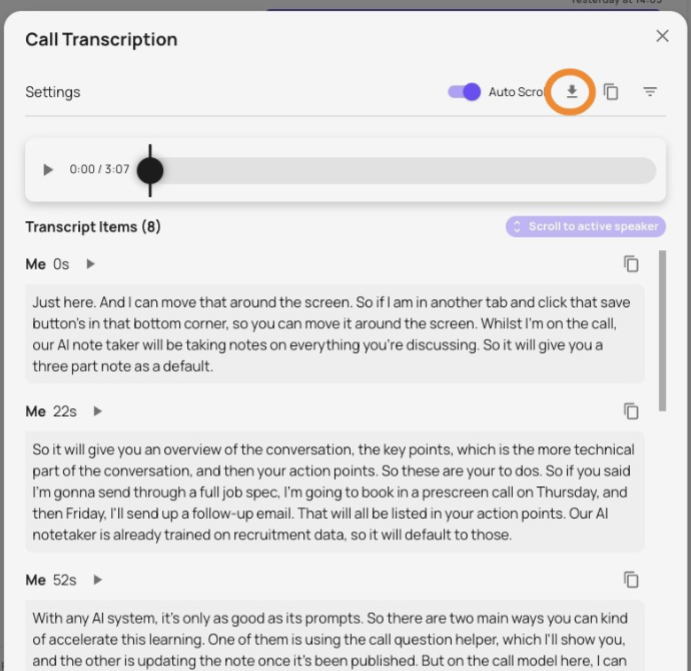
As well as copy the transcription

You can also replay the sections of the transcript and "jump to the point" within the recording, set auto scroll as the recording plays