Getting setup with our Chrome Extension - Soft Phone
Last updated: June 11, 2026
Our Chrome extension is a great companion to the Softphone. It allows you to click to call and control calls across tabs.
Install the extension
Find our Chrome extension on Chrome Web Store here
Click the 'Add to Chrome' button
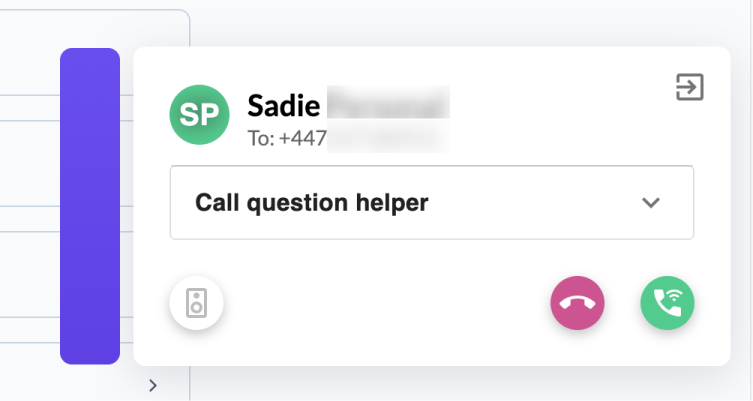
You should now see a popup display in the bottom right of your browser when you receive a Devyce call
You may have to restart your browser for the extension to work
Please ensure that you have default audio devices setup in you Soft Phone settings to ensure that click to dial can work as quickly as possible. Check your audio settings here.
Extension features
Click the 'Open in Softphone' button top right to go to the Softphone tab
Click the 'Call question helper' to easily tag the call (CRM integration)
Includes all the regular call controls, so you can configure the call whilst on any tab
You can move the popup to wherever is convenient for you, by dragging the purple bar on the left of the popup
If you experience any issues with our extension, please try removing it and re-adding the extension. Contact support if an issue persists.