Creating a Custom Voicemail - Softphone
Last updated: May 14, 2025
To setup a custom voicemail you can navigate to the Settings section of your softphone https://softphone.devyce.io/settings/audio
Then click on the Voicemail option
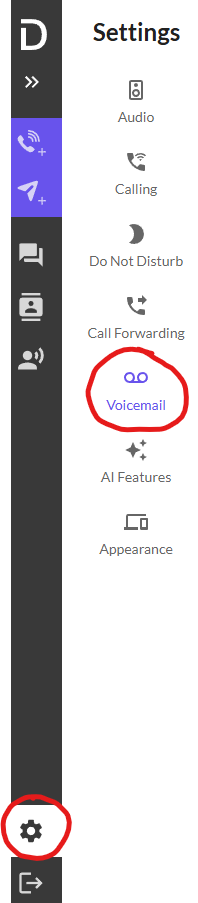
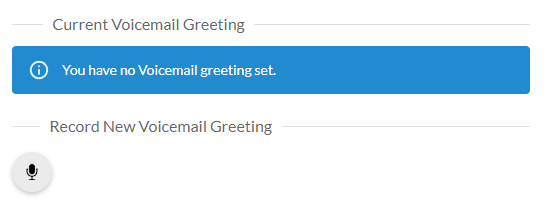
This will then show if you currently have a voicemail greeting setup
And allow you to playback your current voicemail if you have one setup
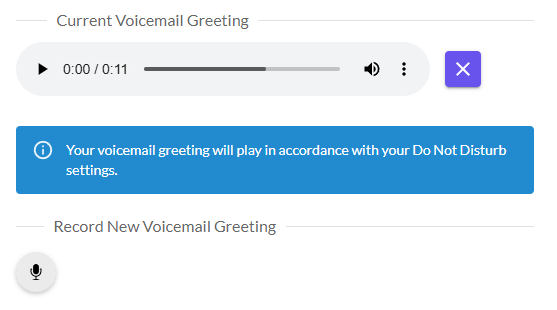
You can use the three dot icon to download this message, and the 'X' button to remove it and record a new one.
Your voicemail will play according to your DND settings, and if you are unable to answer a call during your working hours.
You can learn how to change your DND settings here https://app.usepylon.com/docs/cca50b6f-91c0-49ce-ab4c-13c71cfb4177/articles/415b7175-3d96-4a6f-a7a4-7249648faf21
If you record a new one, it will automatically replace your existing one.