How to edit your AI summaries within Devyce
Last updated: September 12, 2025
Navigate to https://softphone.devyce.io/conversations/
Here your most recent conversations will show within the Devyce softphone
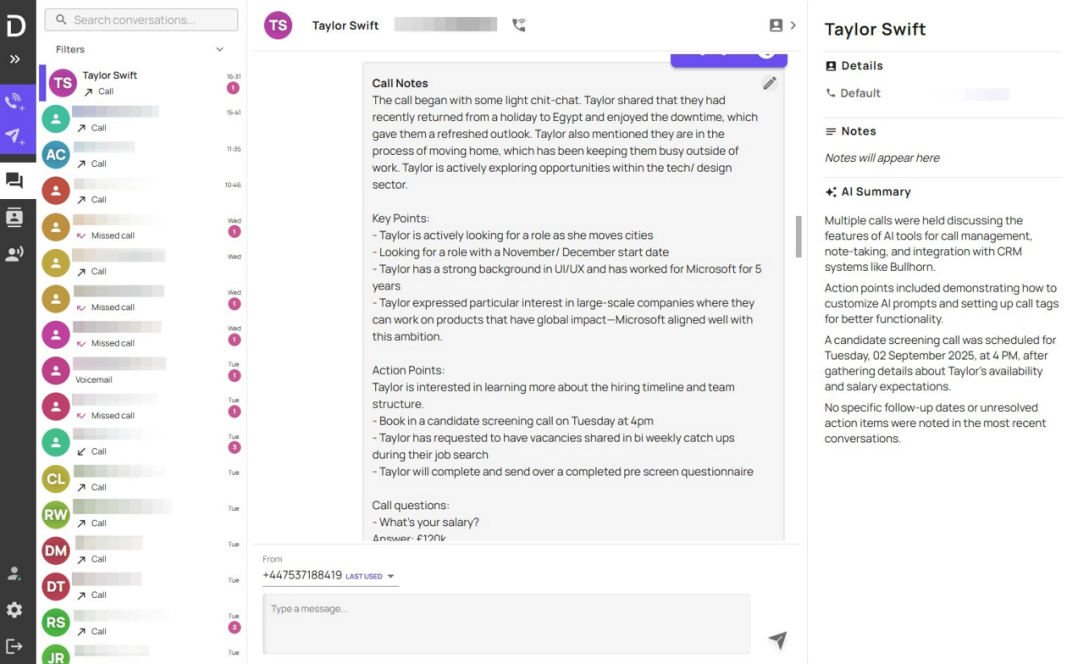
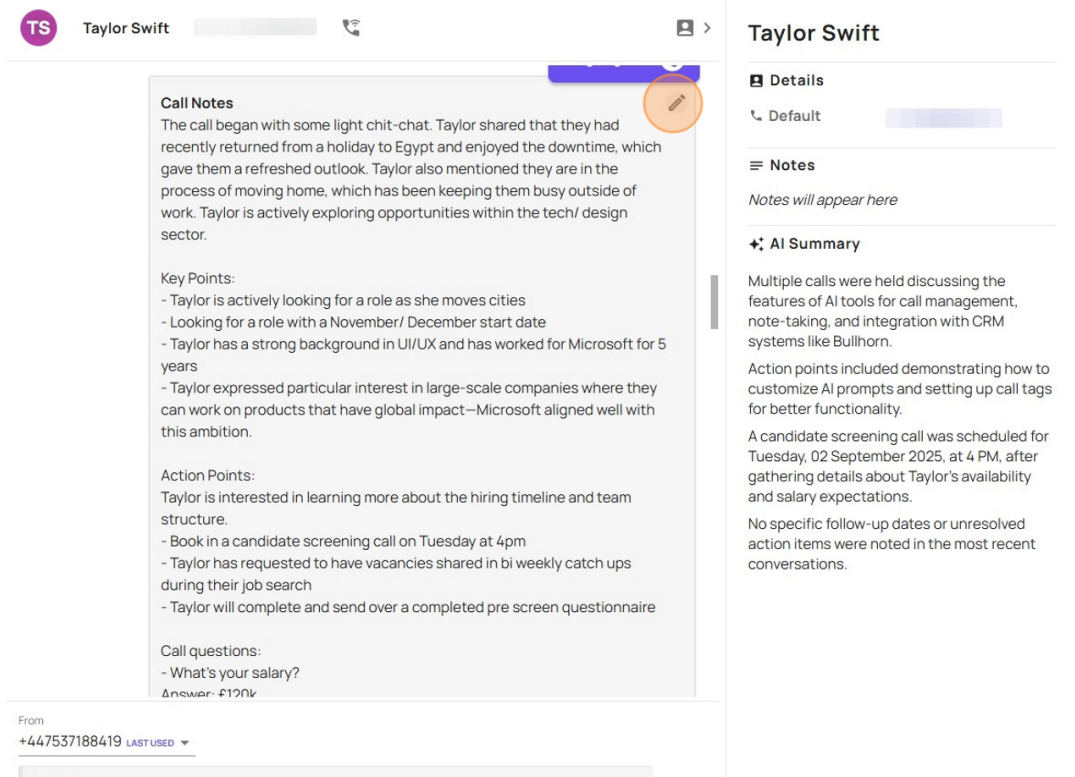
If you go to the notes you are wishing to edit, and click on the pen icon to edit the note
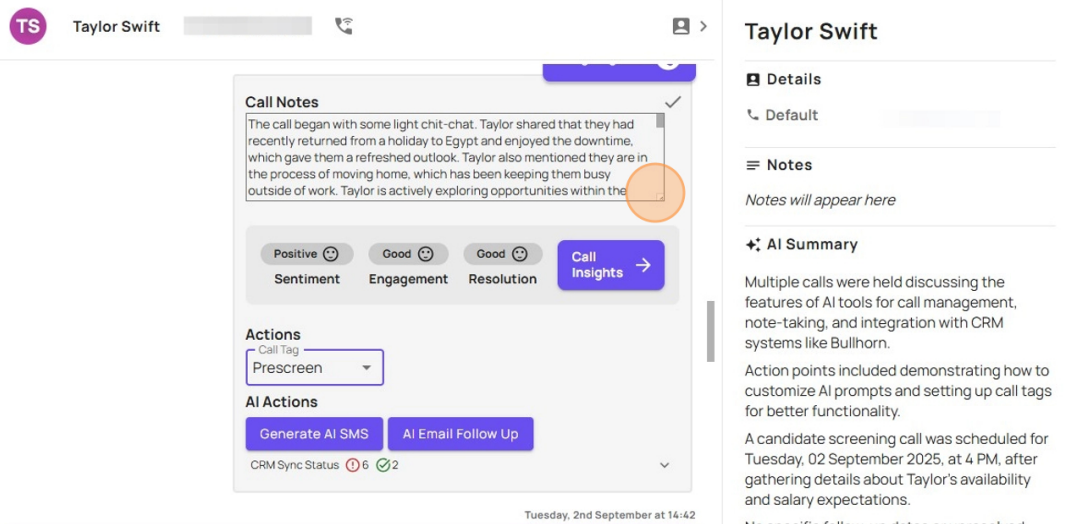
You can then expand the text box from the right hand corner
You can then make the changes you need to your AI note. When you make changes this will utilise the Devyce learning algorithm and the AI will input the additional details/make he corrections in future calls
Once you have made your changes you can save this by clicking on the tick icon
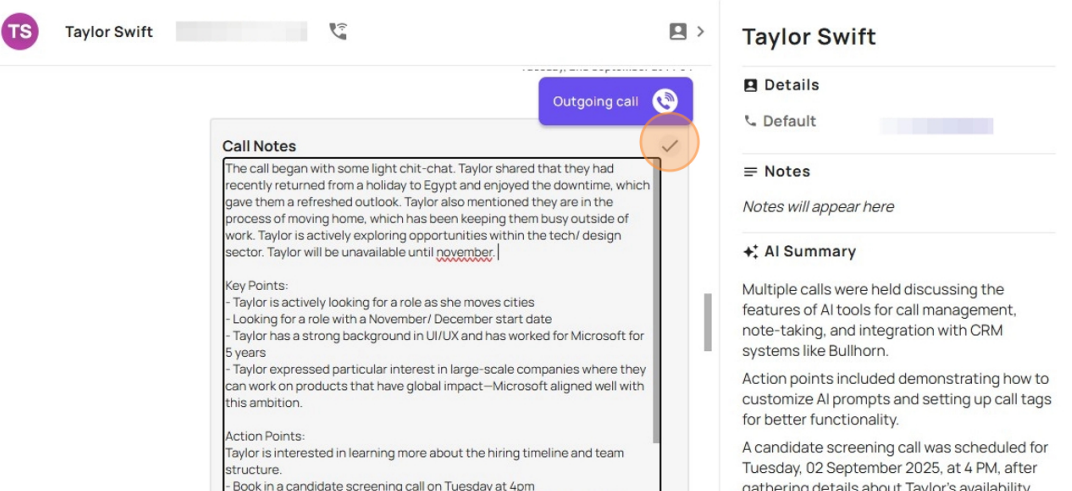
This will then save your updated AI notes.