Granting Call Whisper Access - Admin
Last updated: May 20, 2025
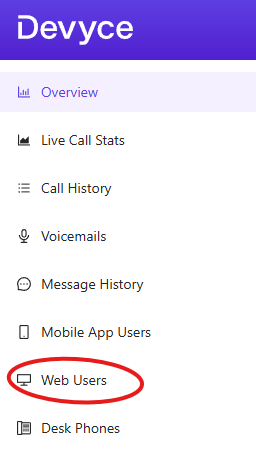
Go to the Web Users tab on the admin portal http://portal.devyce.io/dashboard/web-users
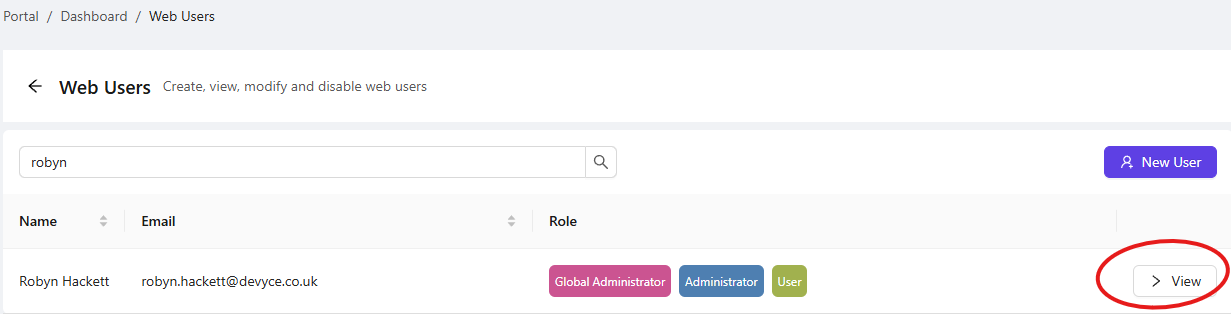
Search for the user you are wishing to assign call whispering to and click on 'view'
This will take you to a separate user page, on here you can assign the roles you require for that individual via the relevant checkboxes
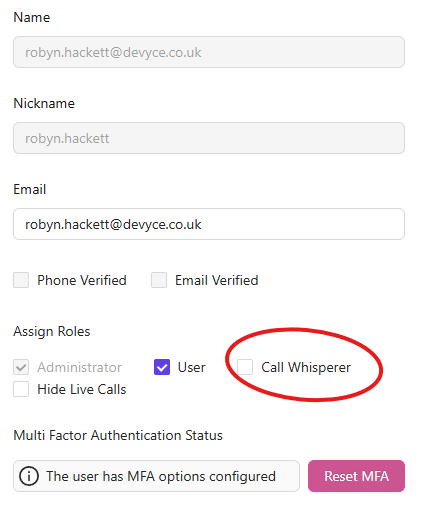
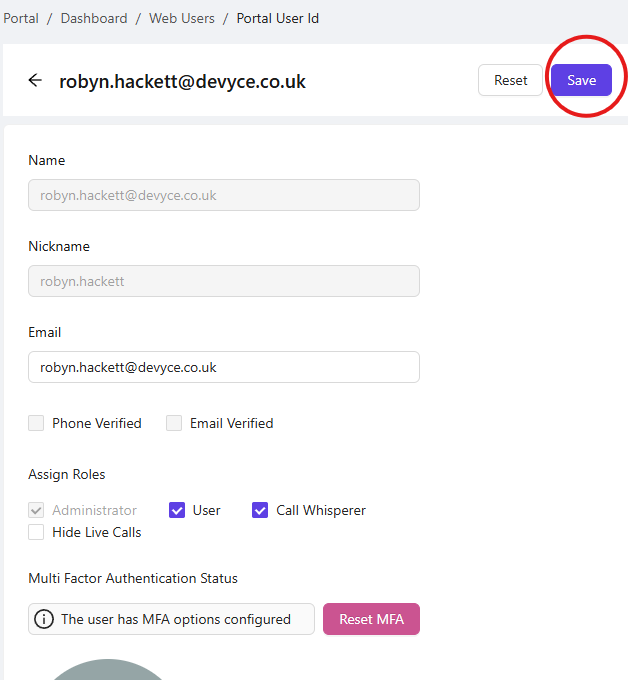
Once you have clicked on the call whispering box, make sure you save this at the top of the page.
The user should now have access to call whispering on https://softphone.devyce.io, if not please ask them to refresh the page.
Call whispering guide here: 📄 How to whisper on live calls