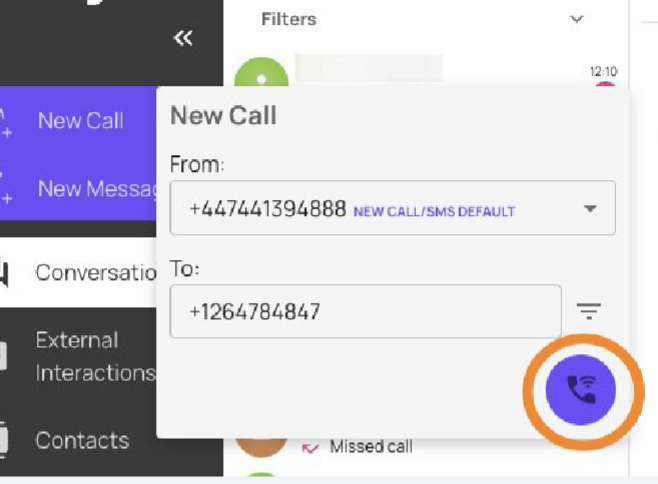
How to initiate a new call in the Devyce Softphone
Last updated: February 5, 2026
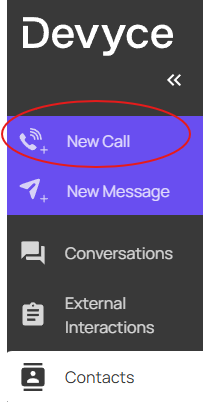
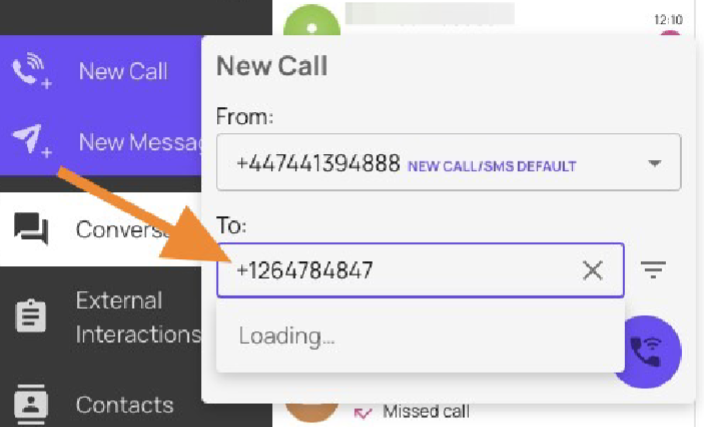
Navigate to https://softphone.devyce.io/ and click "new call"
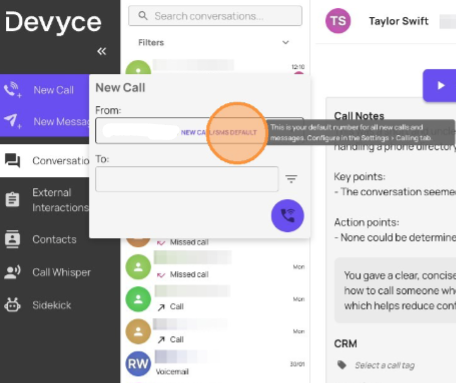
Select your outbound call identity from the drop down menu
Type or copy and paste the number you wish to call into the "to" field
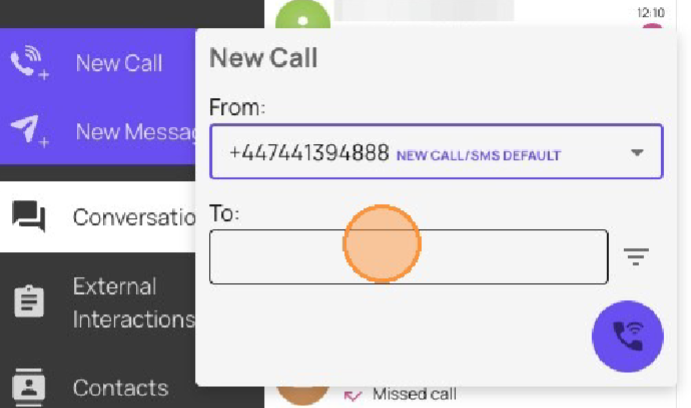
Ensure you use the correct area code, and dialling setup for example for a UK mobile number +447********* or a US number +1*********
Click on the call icon to make the call