How to select call tags on the Softphone
Last updated: June 10, 2025
Navigate to https://softphone.devyce.io/conversations/ and choose the conversation you need to edit.
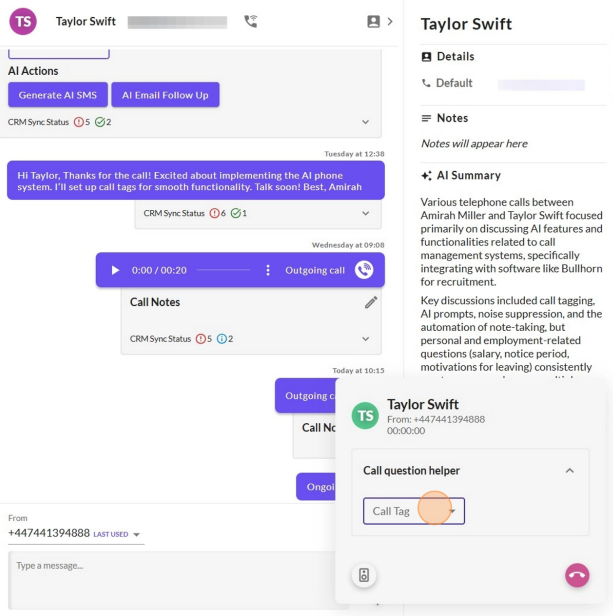
Click on the 'call question helper' to expose the drop down list of call tags
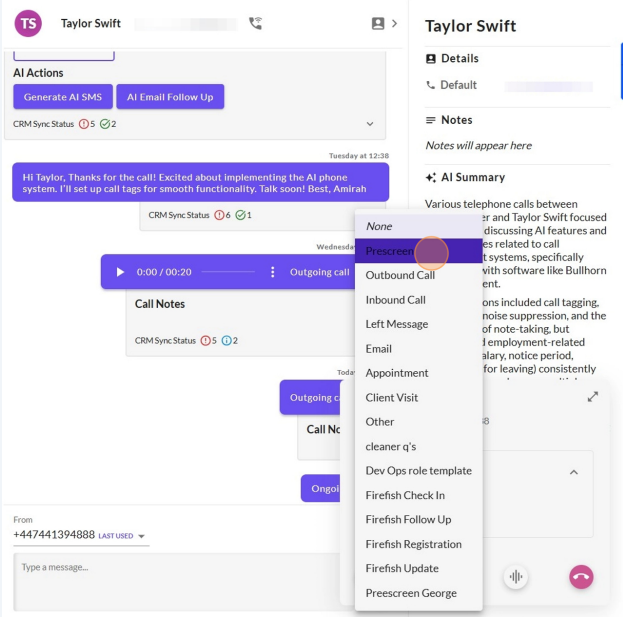
Select the needed call tag from the drop down menu
You can also select the call tag after the call by clicking on the CRM actions, this will expose the drop down list
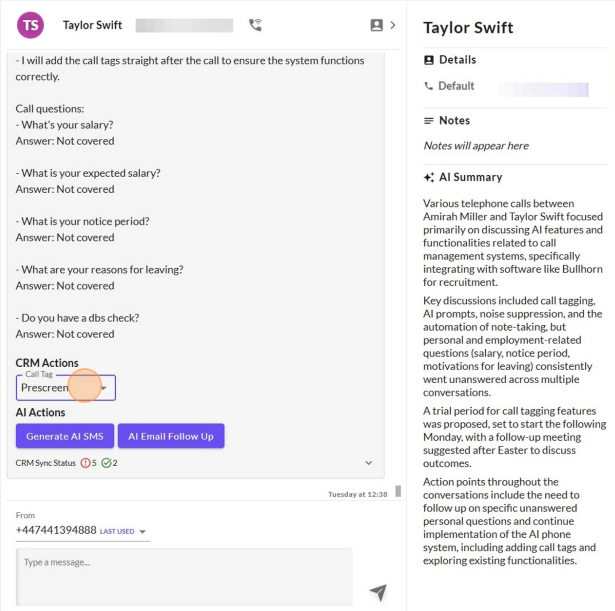
Once you have chosen from the CRM Action dropdown list this will then sync to your CRM
If you experience any issues with this, please contact our support team.