How To Rename A User - Admin
Last updated: May 13, 2025
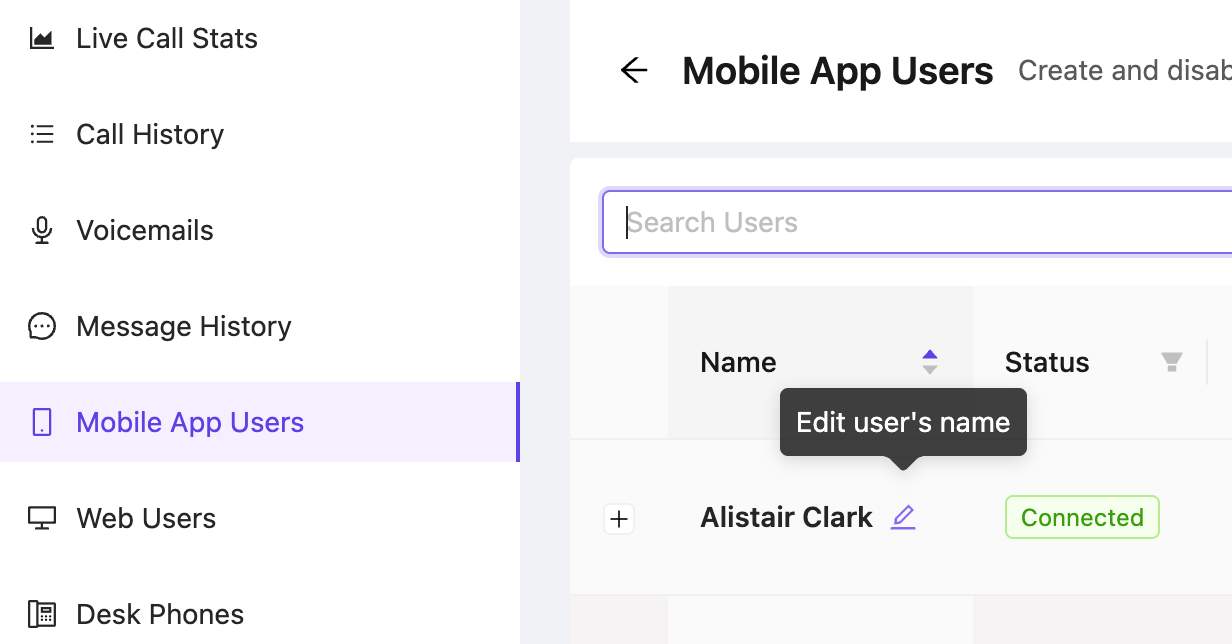
Go to the Mobile App Users tab on the admin portal https://portal.devyce.io/dashboard/mobile-app-users
Search for the user who's name you would like to change
Click on the edit icon next to the user's name
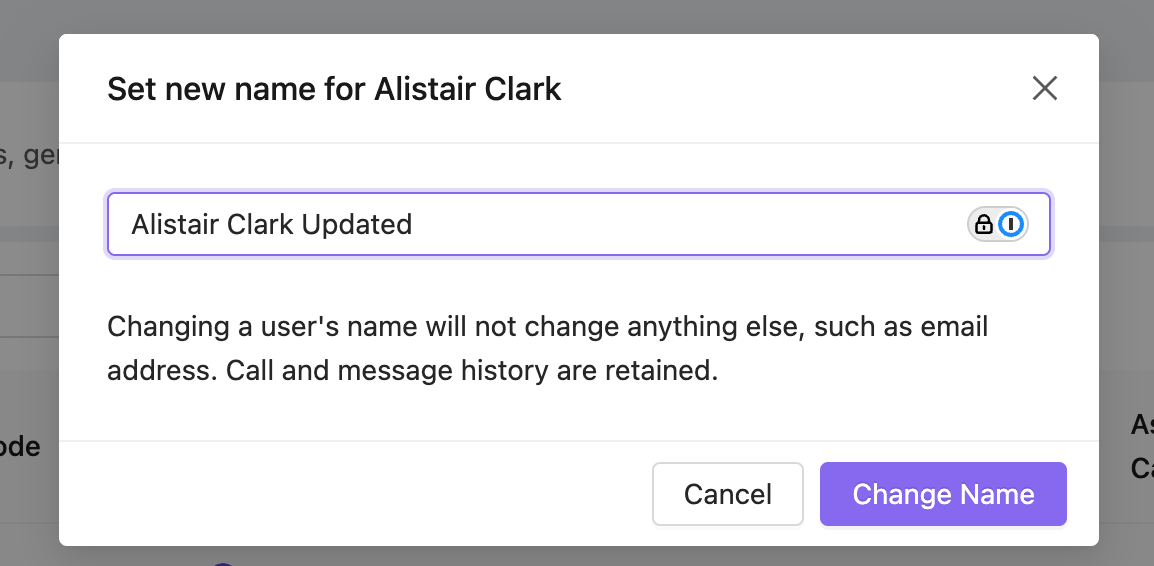
Edit the name in the popup and click 'Change Name'
You should see a confirmation popup once the name has been changed