Generating a new app code - Admin
Last updated: July 7, 2026
Please go to your Devyce Portal Dashboard
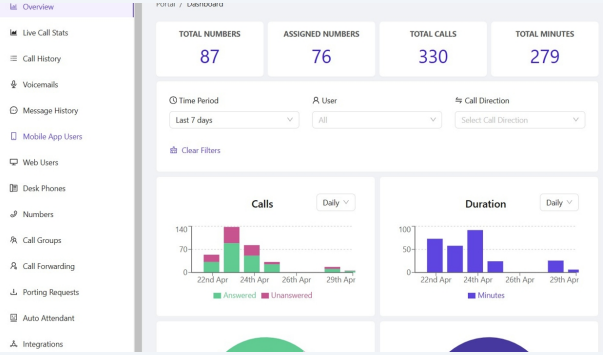
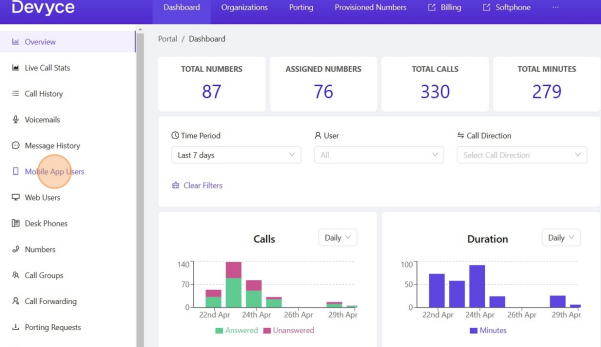
Navigate to the Mobile App User section of the left hand side toolbar
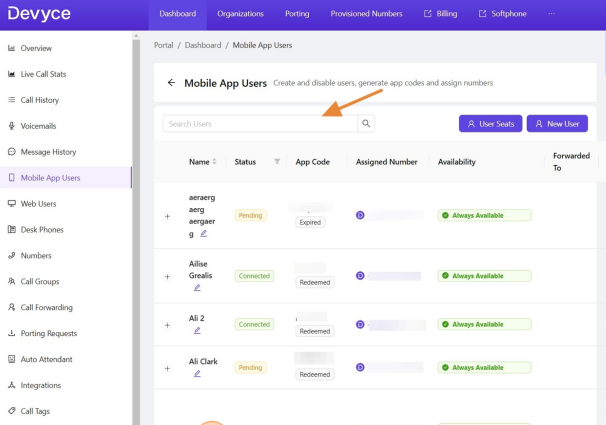
Scroll to find the app user or use the search function
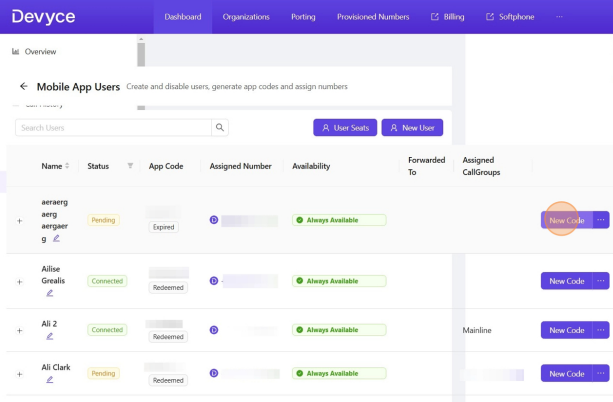
Scroll across and click "new code"
Click generate code. You can change how long this is valid for.
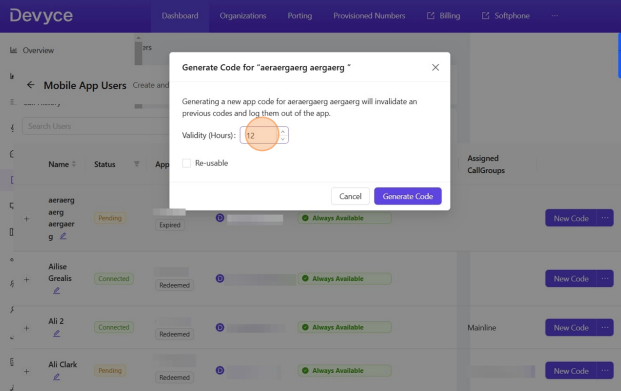
This should then create an APP code and send this to the user.
If you experience any issues with this please contact support for further assistance.