Call Coaching - Reporting
Last updated: June 15, 2026
Navigate to the Call Coaching section, in the Devyce Portal - https://portal.devyce.io/dashboard/call-coaching
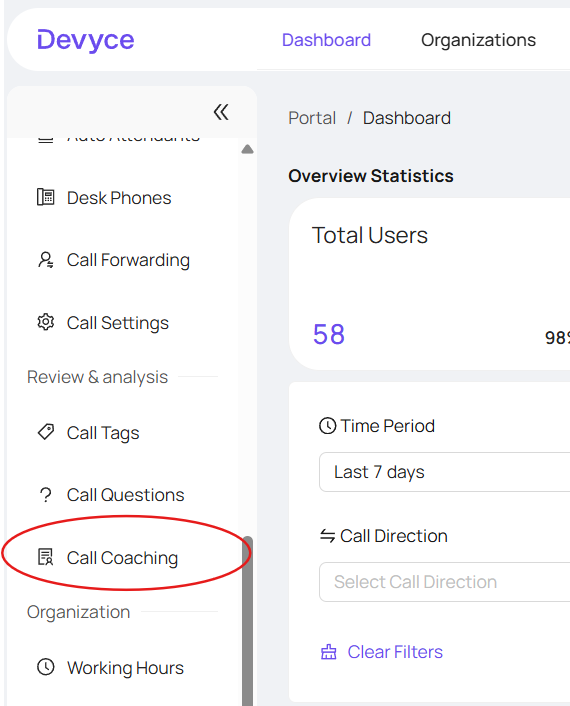
If you do not have access, this is an additional feature, if you would like access to this please reach out to your account manager, or the support team at support@devyce.com
Opening Call Coaching will show you insight to your users calls, and details such as Talk Time, Average talk speed, objection handling etc, you can also filter this information as needed, using the 'filter' button
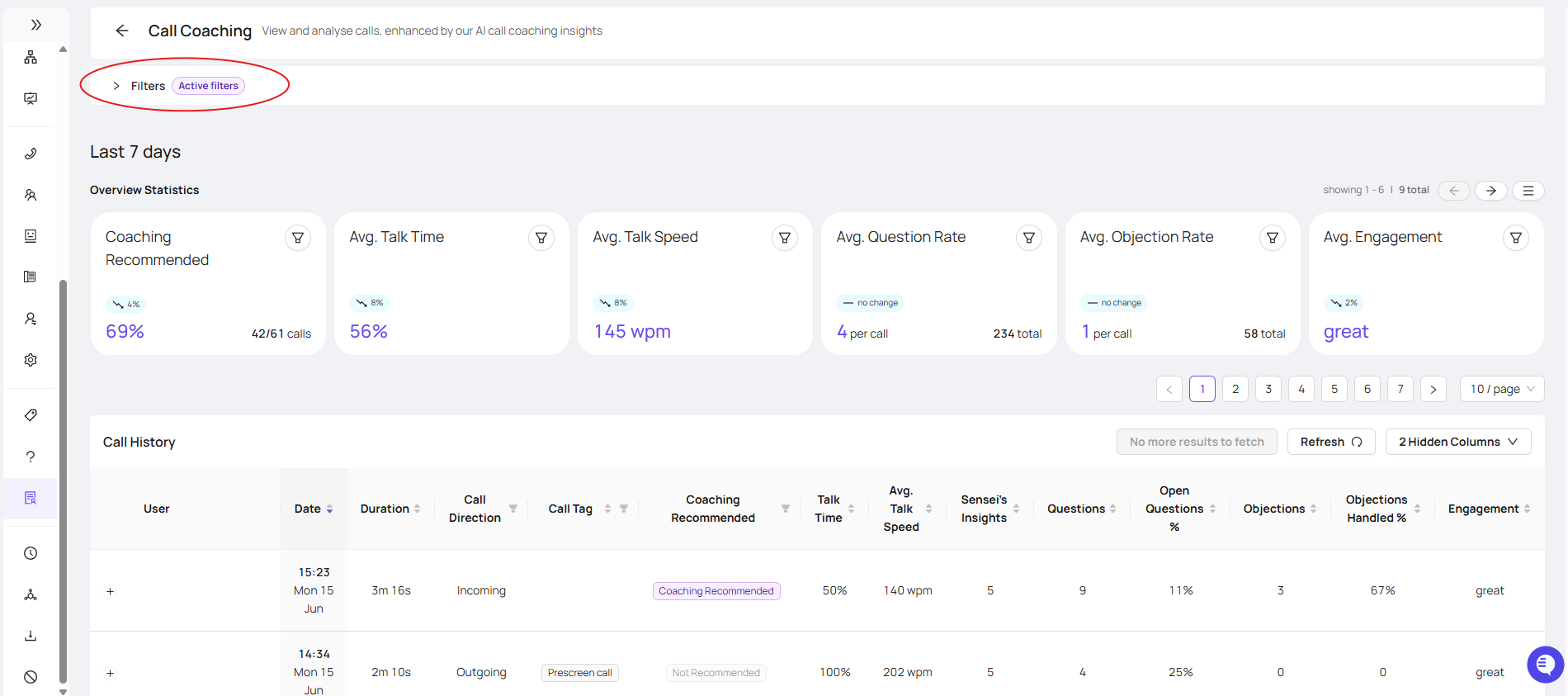
Clicking on the filter button, allows you to filter per user, date range and call duration

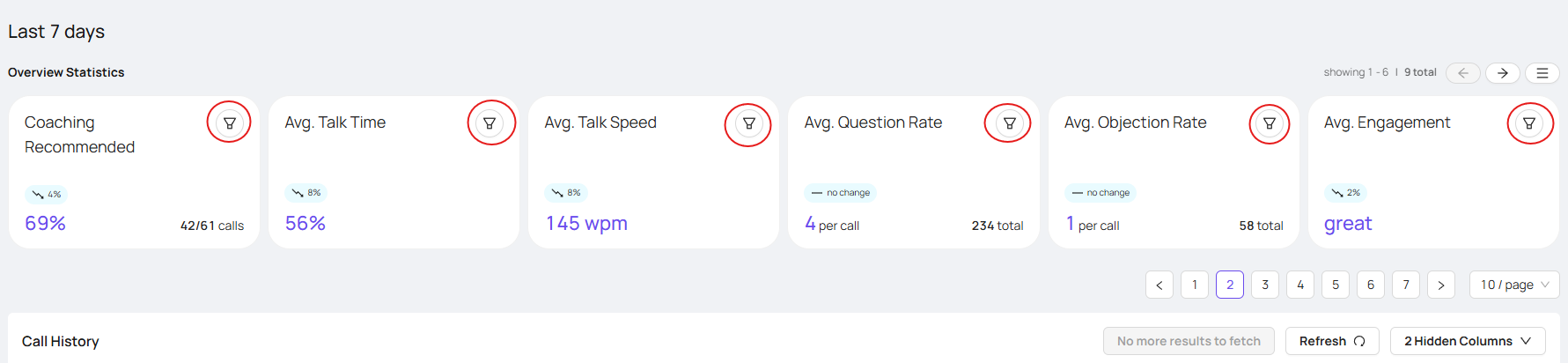
You can use the filter buttons, to show only select calls such as 'only show coaching recommended calls' or 'show calls with the most objections first'
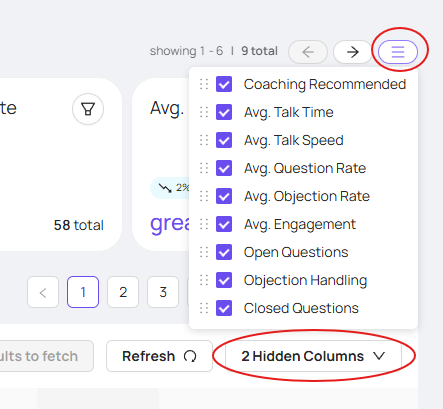
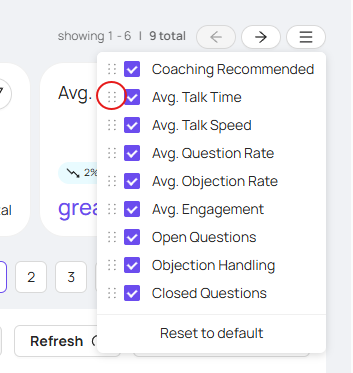
You can also use the configure button, and hidden columns, to choose which columns you are able to view/not view as required. As well as able to move the overview statistic to show in order as preferred.
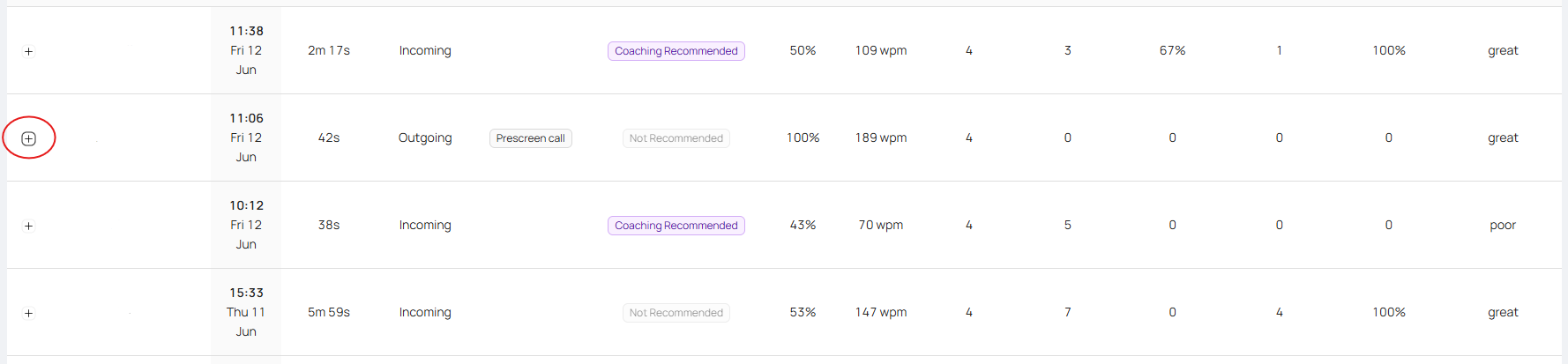
Once you have filtered as you require, you can see an overview of the calls, as well as the option to use the dropdown button to see further details
This will then show you Key Themes of the call, overview of the call details, the call recording, call summary and call transcription
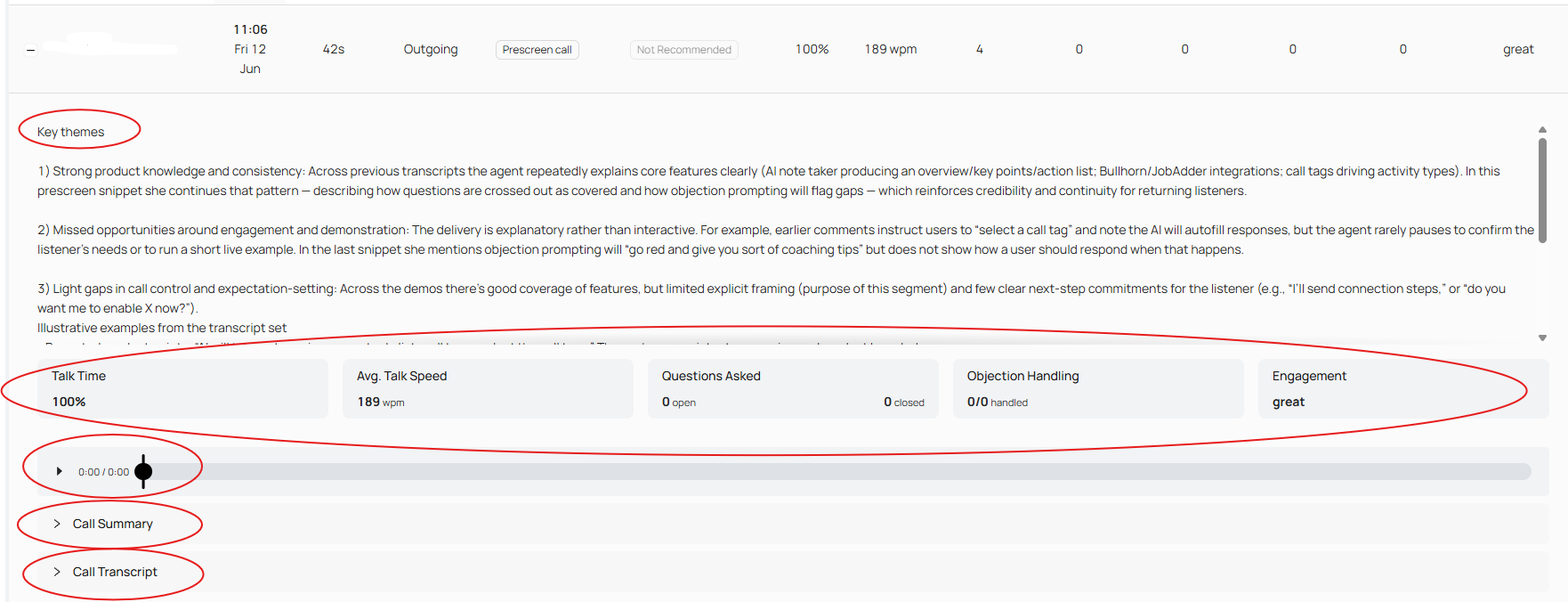
As well as Insights into the call and possible future improvement, Questions covered in the call, and any objections - and the option to add in your own review notes and details
