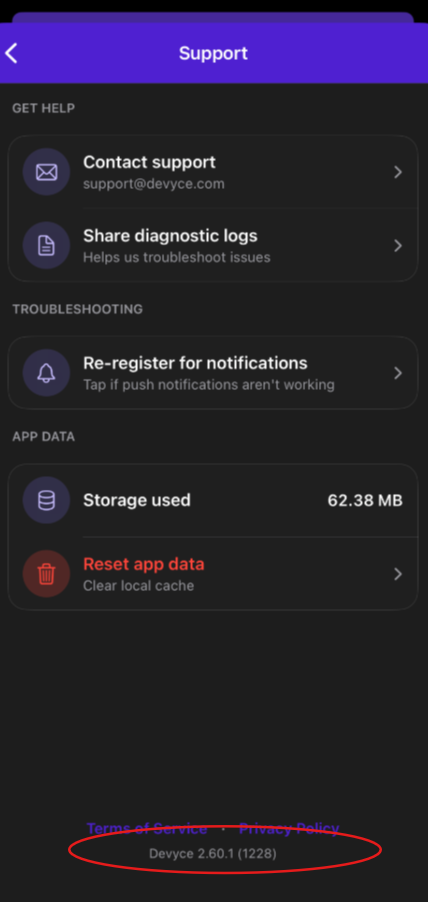
How to check your Mobile App Version
Last updated: June 16, 2026
Sometimes we have updates to our Mobile App to add new features or fix any bugs you may experience.
Our support team often ask for you to check this, you can find this by navigating to your Devyce Mobile App
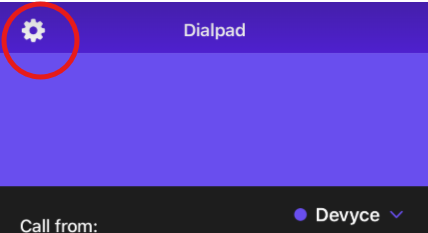
You can then click on the settings cog in the top left hand corner
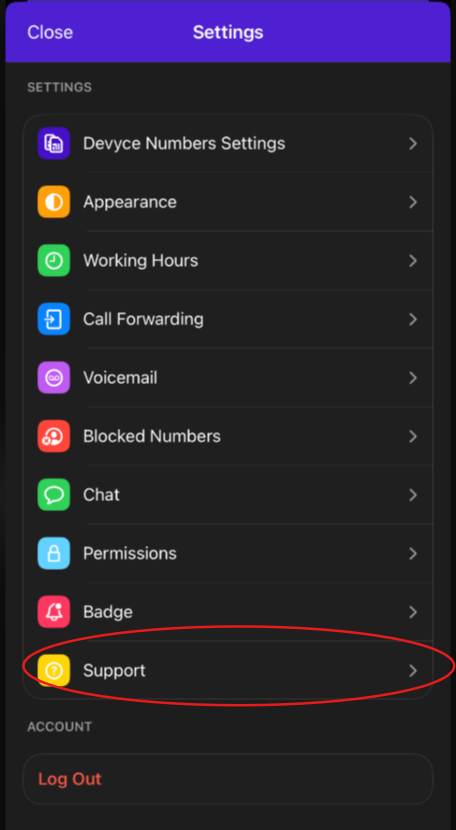
Once you click this, it opens a lot of additional options for your mobile app, including a support section
Clicking on this opens a page where you can view the App Version you are using at the bottom