How to access your call summaries within the Mobile App
Last updated: July 16, 2025
You can view the your call summaries within the mobile app the same as you would the softphone, by going to your conversations only within the app its listed as the 'call' tab.
You need to navigate to your Devyce app and click on the 'calls' section
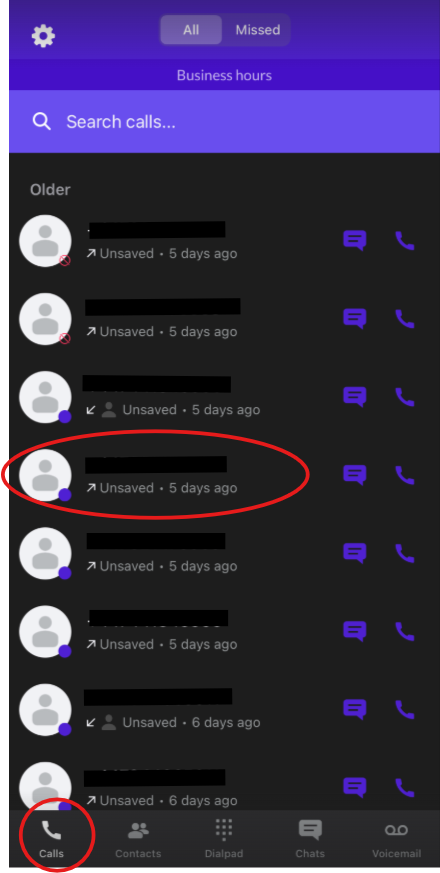
Once you have done this, click on the call you wish to see the summary for.
This will then open up the call details like below:
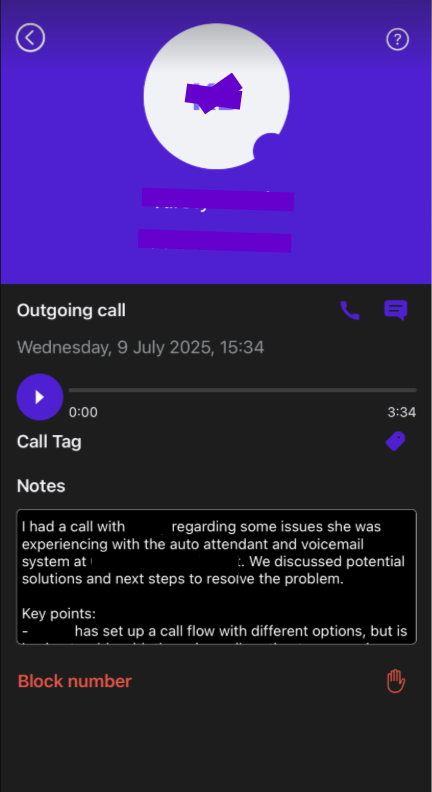
You can then scroll through the call summary, as well as edit and copy the details
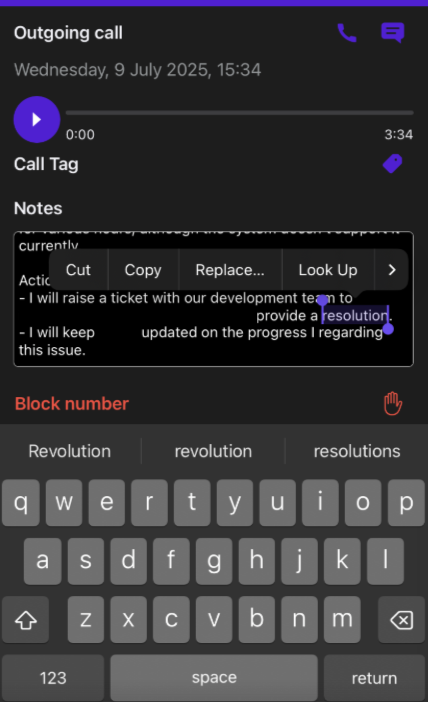
Just like you can on the softphone.
If for some reason you are unable to see this please reach out to our support team at support@devyce.com