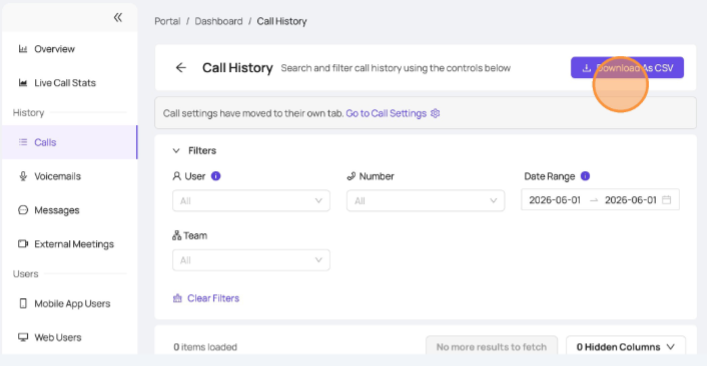
Call History - How to Filter and Export
Last updated: June 9, 2026
Navigating to your Devyce Portal - https://portal.devyce.io/dashboard
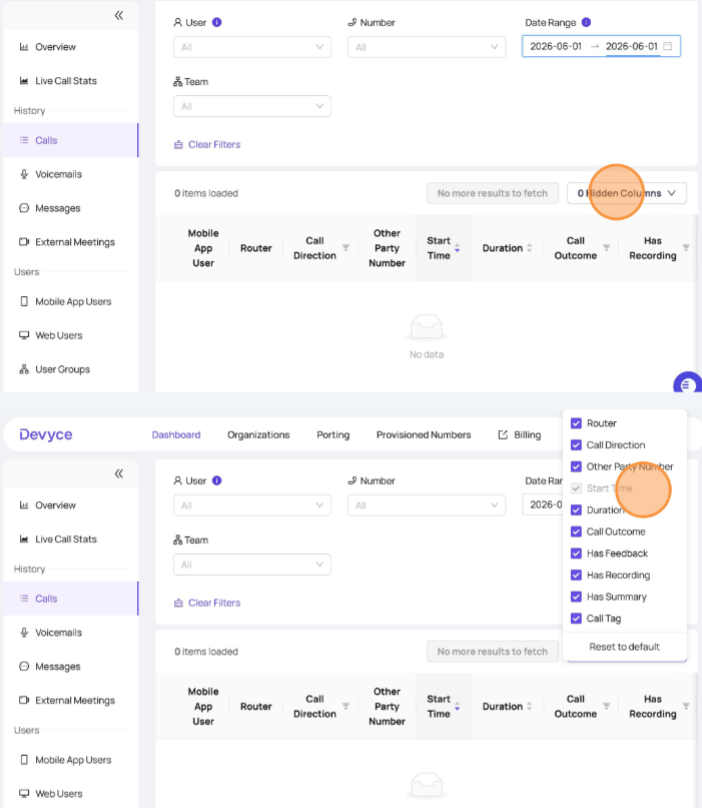
Using the lefthand tool bar, go to the 'Calls' sections
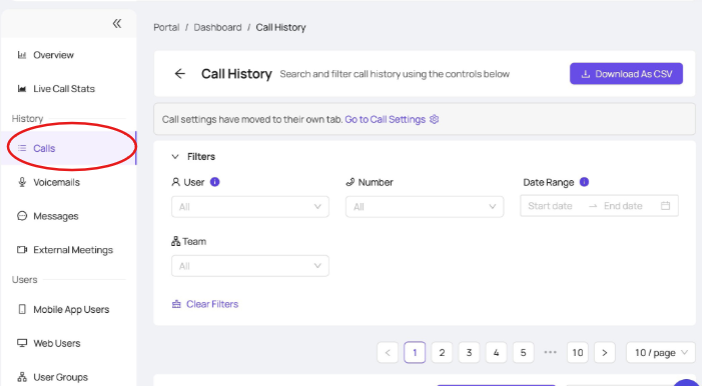
Using the filters dropdown at the top of the page, you can filter the call history by user, number, date range and Team
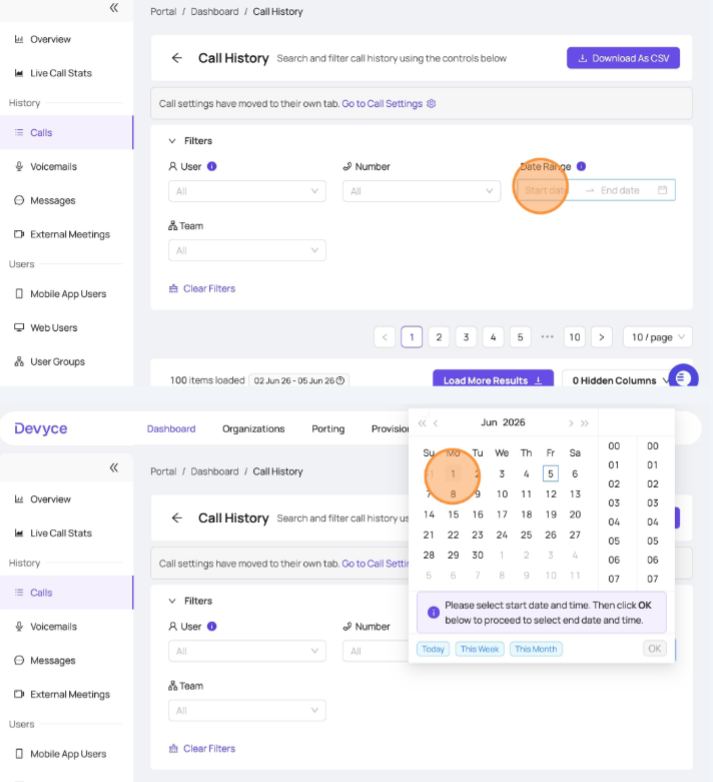
Clicking on the filter you wish to change, will provide an additional drop down and information - for example the date range will allow you to pick dates and times - once you have confirmed this, ensure you click 'OK' for the filters to apply
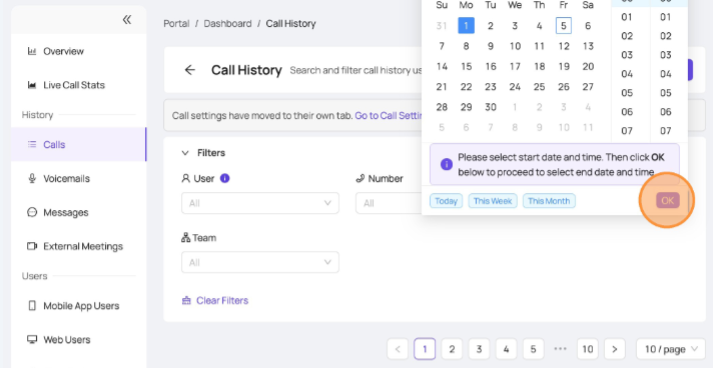
Once you have done this and filtered as needed, you can scroll down to the data provided and alter the column data provided
Once you are happy with the data you have, you can view this within the portal - or download this data as a CSV