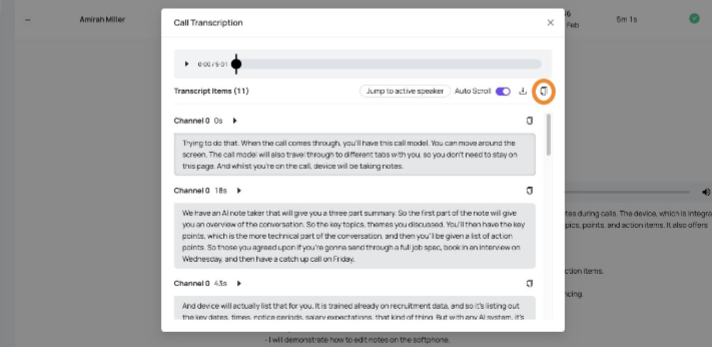
How to view call transcriptions within the Devyce Portal
Last updated: February 18, 2026
Navigate to https://portal.devyce.io/ and navigate to the call history tab
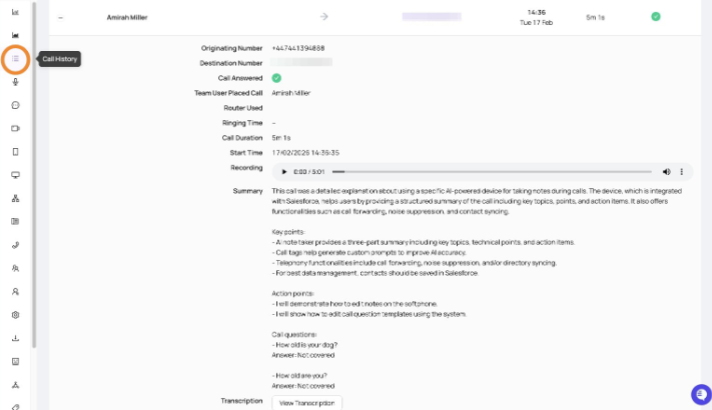
Find the desired call record and click to expand and display the call details
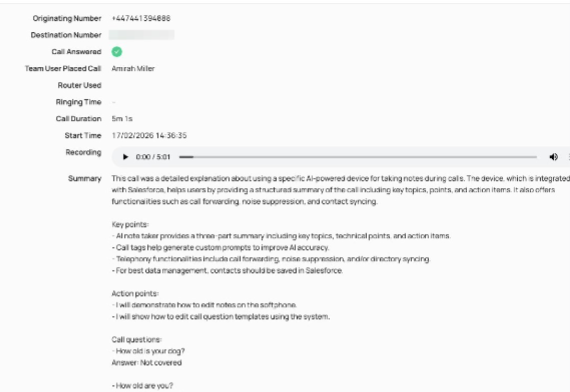
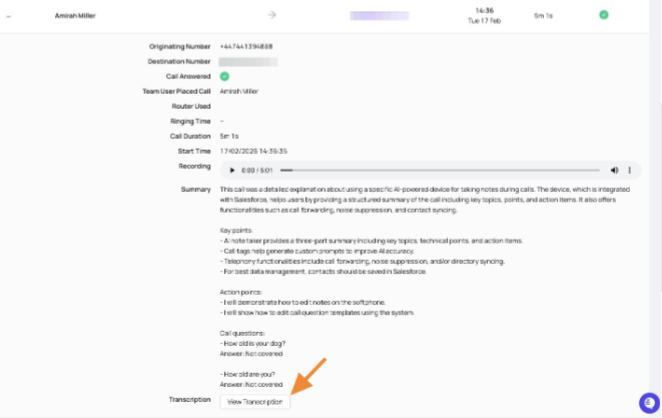
Scroll down on the call history record and click to "view transcript"
You can then click to download the transcription
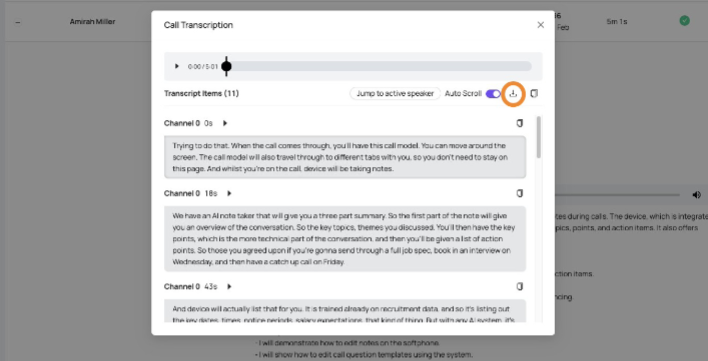
And click to copy it