Getting Started - Teams Integration
Last updated: June 24, 2026
Once you have had our Teams integration added to your account - if this is something you are interested in, and don't already have please reach out to your account manager or support@devyce.co.uk to discuss upgrading for this feature.
In order to get setup with our Teams Integration, you need to have a Microsoft admin (specifically anyone with the power to grant the Directory.Read.All permission), to complete the following steps:
Navigate to your Devyce portal, and go to the Integration tab
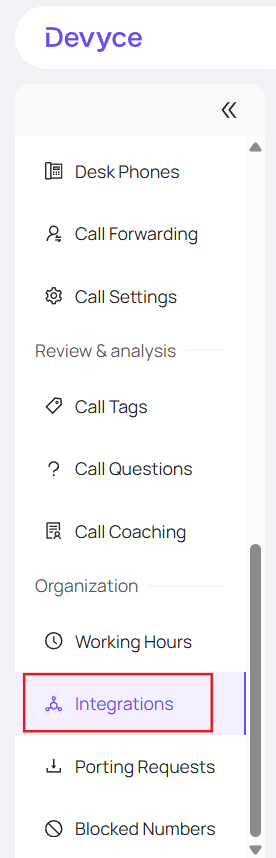
Find the MS Teams integration and press Connect

This will open up a Microsoft consent page where you should click approve (we ask to read all the users in their directory which lets us match up Teams users with Devyce users)
You should then be directed back to Devyce, and be connected
If this does not work for you, and you need further assistance setting up Admin permissions for Teams please see this article: https://devyce-knowledge-base.help.usepylon.com/articles/7145306580-connecting-calendars-requires-admin-approval
To find out more about how to start using your Teams integration in general head to https://devyce-knowledge-base.help.usepylon.com/articles/3783624542-teams-integration