Customising multiple numbers on your Devyce Mobile App
Last updated: June 18, 2026
Within the Devyce mobile app, you can customise your numbers, this allows you to see what number an incoming call is being received from.
To do this you need to go to your Devyce mobile app > settings > Devyce number settings
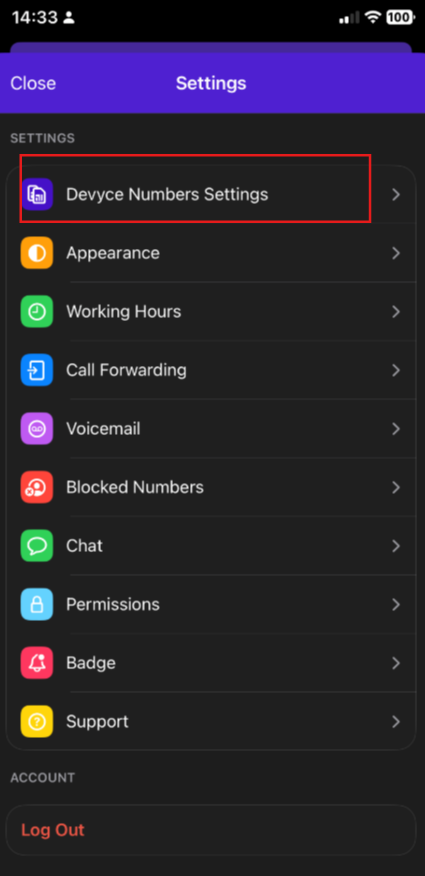
Here you will see your available numbers, clicking on the dropdown on the righthand side allows you to change the colour and the name
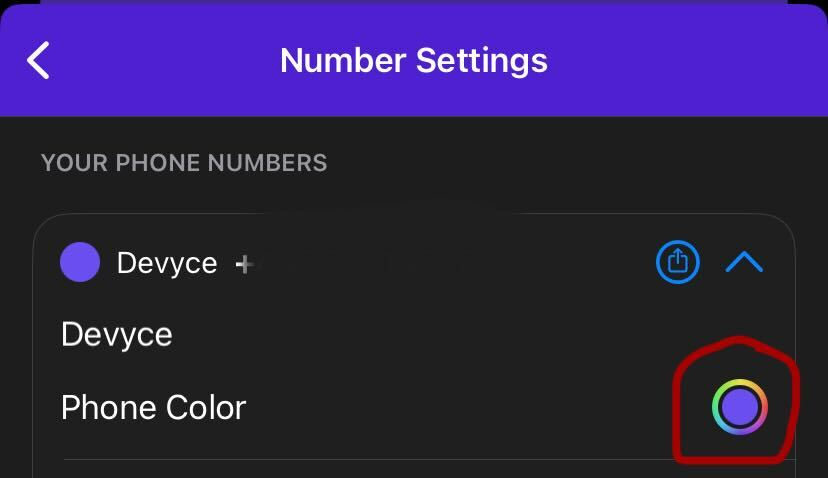
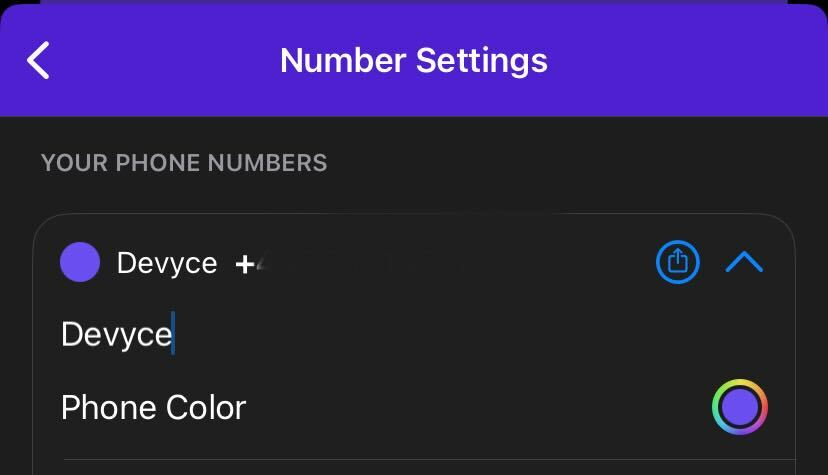
Incoming calls will then reflect these choices, if you experience any issue with this ensure the settings in your mobile app are set to allow this.
To check this please follow this link: https://devyce-knowledge-base.help.usepylon.com/articles/4044328943-ensuring-incoming-calls-and-calling-groups-show-caller-id