How to Add Call Tags into the Devyce Portal
Last updated: June 11, 2025
Navigate to https://portal.devyce.io/dashboard/call-tags
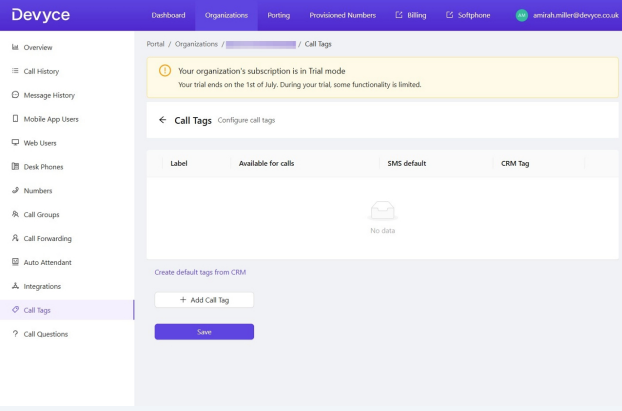
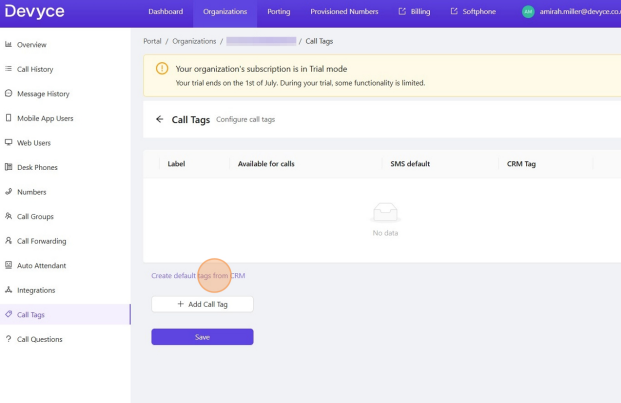
If your CRM has call tags/goals and activities that are mapped onto Devyce click 'Create Default tags from CRM'
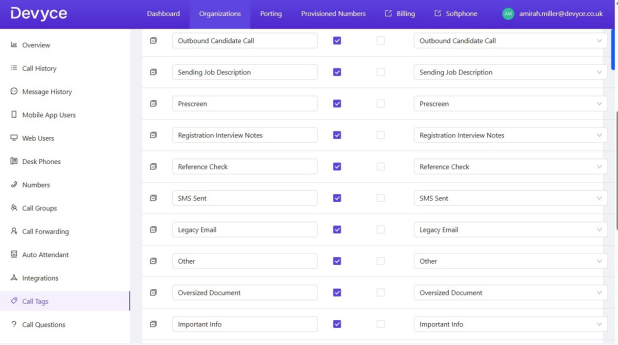
This will input your custom tags from your CRM
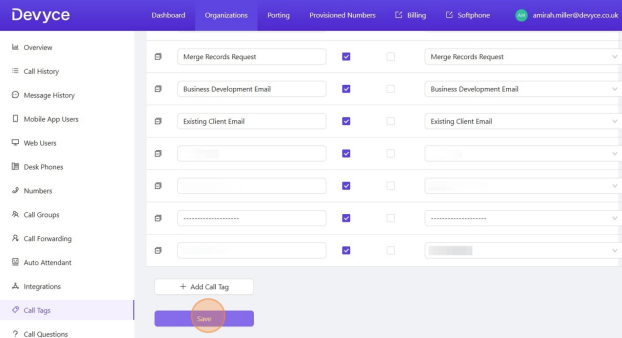
Click save once all the call tags have been synced. The listed tags will then be available for consultants to select while on a call.
If you have any issues with this, please contact our support team for further assistance.