Customising Call Tags - Admin
Last updated: May 21, 2025
Navigate to the Call Tags tab on the admin portal http://portal.devyce.io/dashboard/call-tags
The call tags shown will replicate your CRM's call tags, you can remove a call tag by clicking the 'Remove' button on the right hand side of the screen
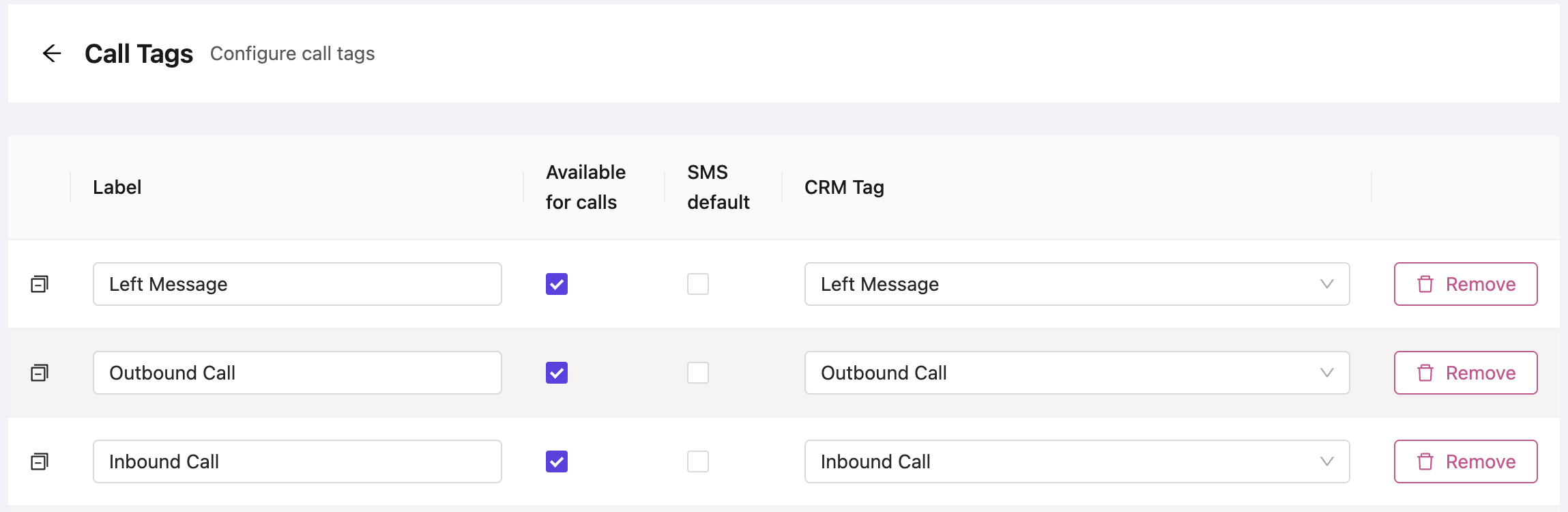
A new call tag can be created by clicking the 'Add Call Tag' button at the bottom of the page.

You can make each call tag available or unavailable for calls by toggling the 'Available for calls' checkbox.
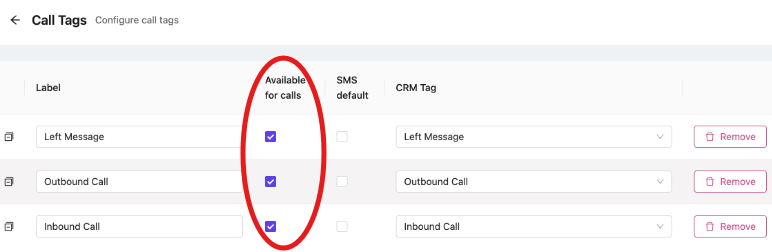
You can also assign one call tag to be a default for all SMS messages, by the column next to available for calls.
Make sure to click the 'Save' button at the bottom of the page, to submit your changes.