Creating Call Questions - Admin
Last updated: May 21, 2025
Creating Call Questions is a great way to automate admin tasks. Our AI will listen during the call to answer these pre-defined questions, reducing the number of notes users need to take.
Call Questions created on the admin portal are applied organization wide.
Users can specify their own personalised questions in their Softphone settings.
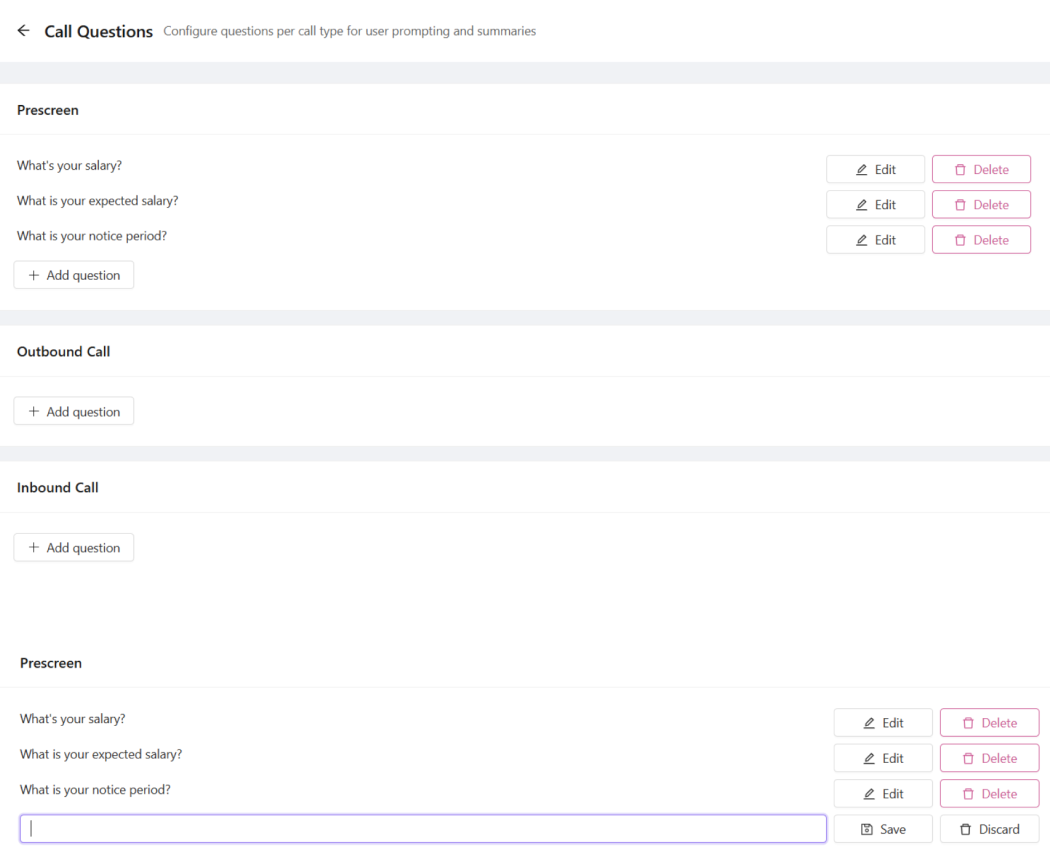
Go to the Call Questions tab on the admin portal https://portal.devyce.io/dashboard/call-questions
You should see your CRM’s call tags
Click 'Add question' under the respective call tag
Enter the question you would like to add and click 'Save'