How to re-authenticate your integration
Last updated: October 19, 2026
Please navigate to your portal https://portal.devyce.io/
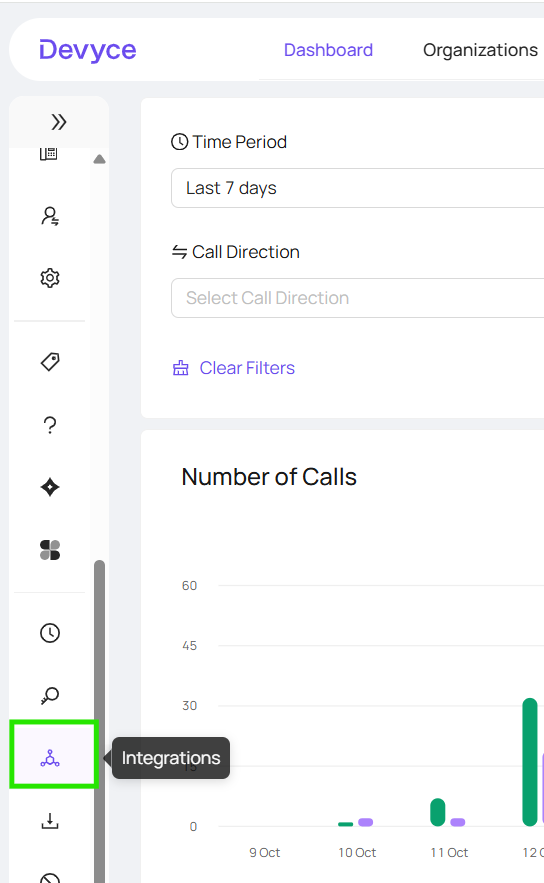
From here click on the ‘integrations’ section on the left hand side toolbar
Scroll to the current CRM you are connected with, then click on the ‘Re-authenticate’ button

This will then create a drop down to allow you to input your CRM information

Once you have filled this out, you can click reauthenticate
