How to setup a custom voicemail
Last updated: July 3, 2026
You can create a custom greeting in their mobile app settings
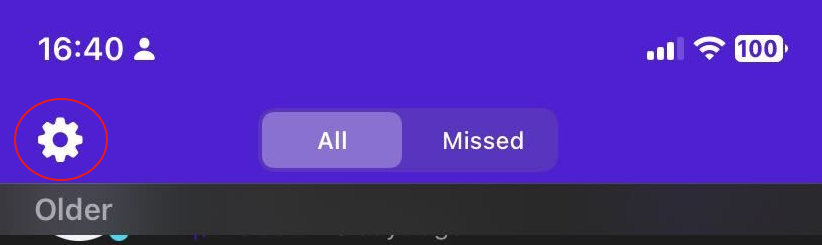
If you open your Devyce mobile app, you will be able to see the setting icon in the top left hand corner.
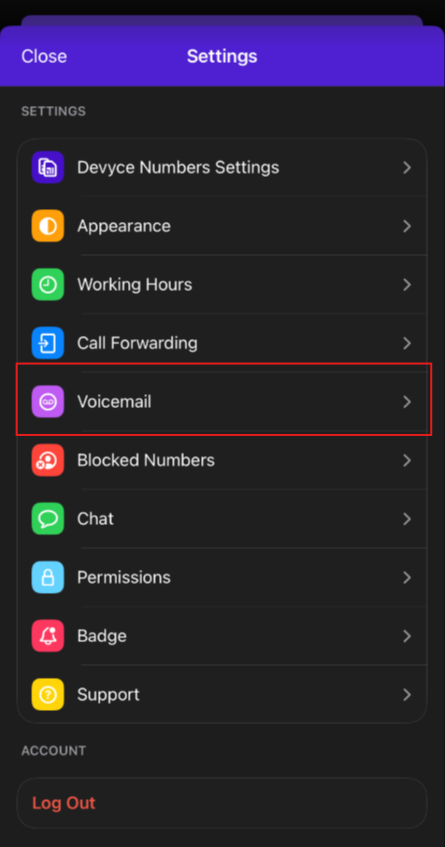
If you click on the Settings icon, you will be able to see an option to click 'Voicemail'
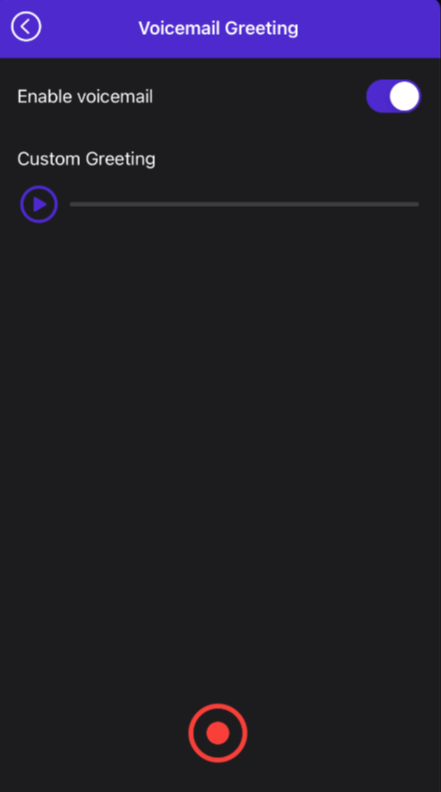
Once you click on this, it will take you to another page where you can record your voicemail.
Within this page you can also choose to enable/disable your VM.
Please note you are responsible for your voicemail recording and the ability to enable and disable your VM as you require.