How to share your App Logs
Last updated: July 3, 2026
Sometimes you may experience some issues with the Mobile App, and we require app logs to investigate - sending these provides details for our dev team to investigate what may have caused the issue.
Sometimes the team may require a couple of call logs from you, asking you to complete steps and then send logs again - we understand this may feel frustrating but please bare with us, each check and logs sent is ruling out causes and getting the team to a solution for you.
You can share logs by doing the below steps on the Devyce Mobile App:
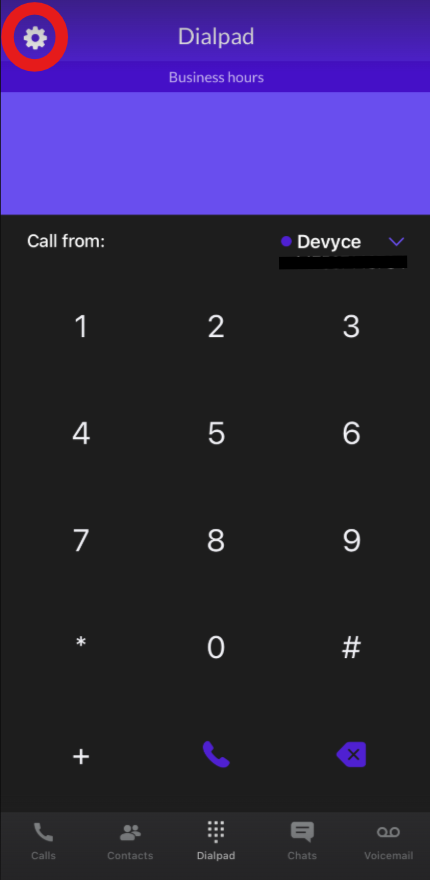
Click on the settings cog at the top of the app page:
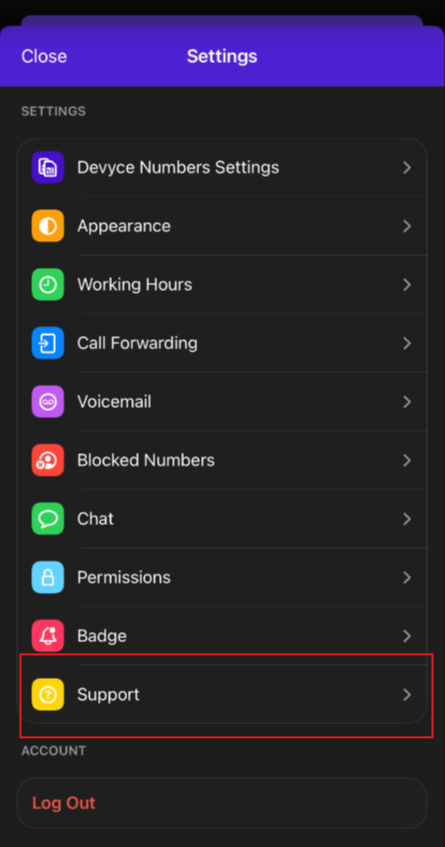
This will then bring up the app settings and additional options for you to choose from, click on 'Support'
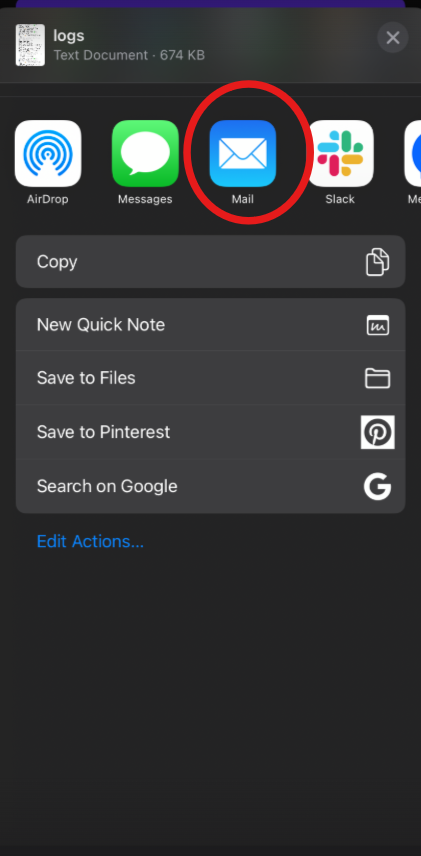
You can then press on the 'Share Diagnostic Logs' button, choose 'Mail' and send these to support@devyce.com