How to view your call summaries within the Mobile App
Last updated: July 3, 2026
You can view the your call summaries within the mobile app by going to your conversations.
You need to navigate to your Devyce app and click on the 'calls' section
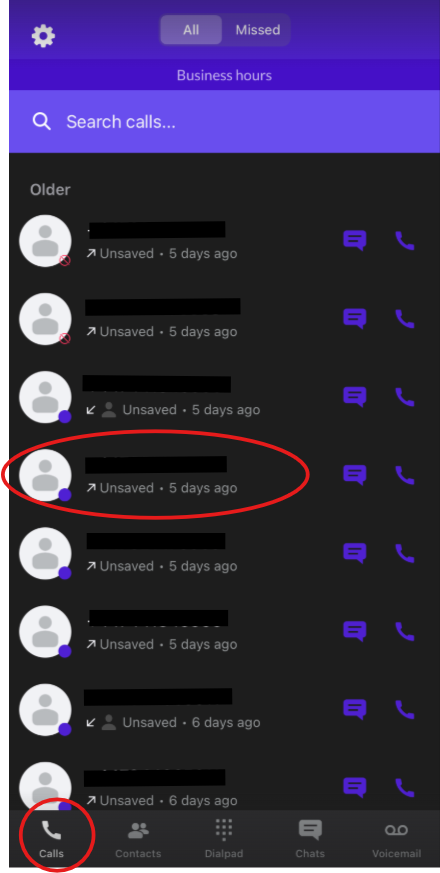
Once you have done this, click on the call you wish to see the summary for, this will then open up the call details like below:
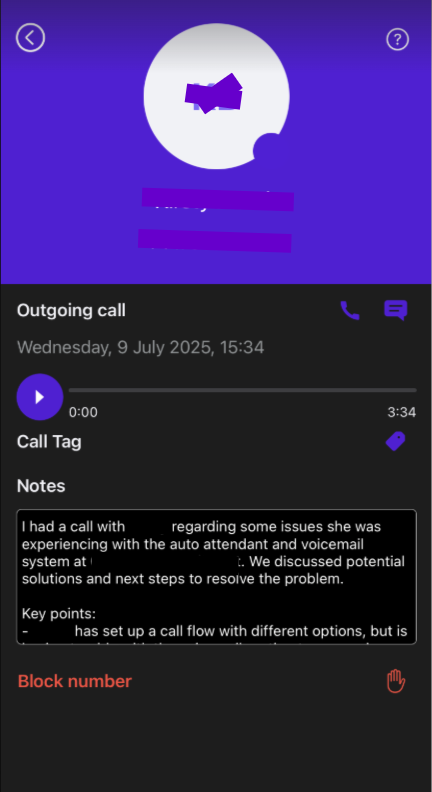
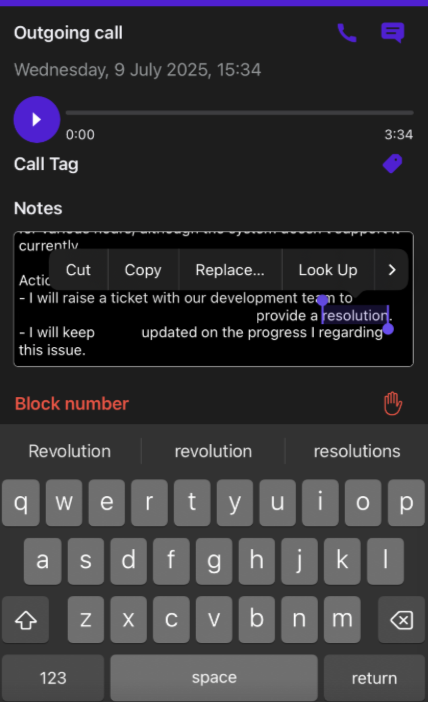
You can then scroll through the call summary, as well as edit and copy the details
Please note if you do not have call recording setup, you will not have the ability to see summaries as we need the recording to create these for you