Voicemail to Email
Last updated: December 10, 2025
Sometimes you may want your Voicemails to come to your Email opposed to your softphone, some prefer this and find it easier to manage and organise
You can utilise this feature by going to your softphone https://softphone.devyce.io/contacts
You then need to navigate to settings > Voicemail here you can toggle on the email notification option
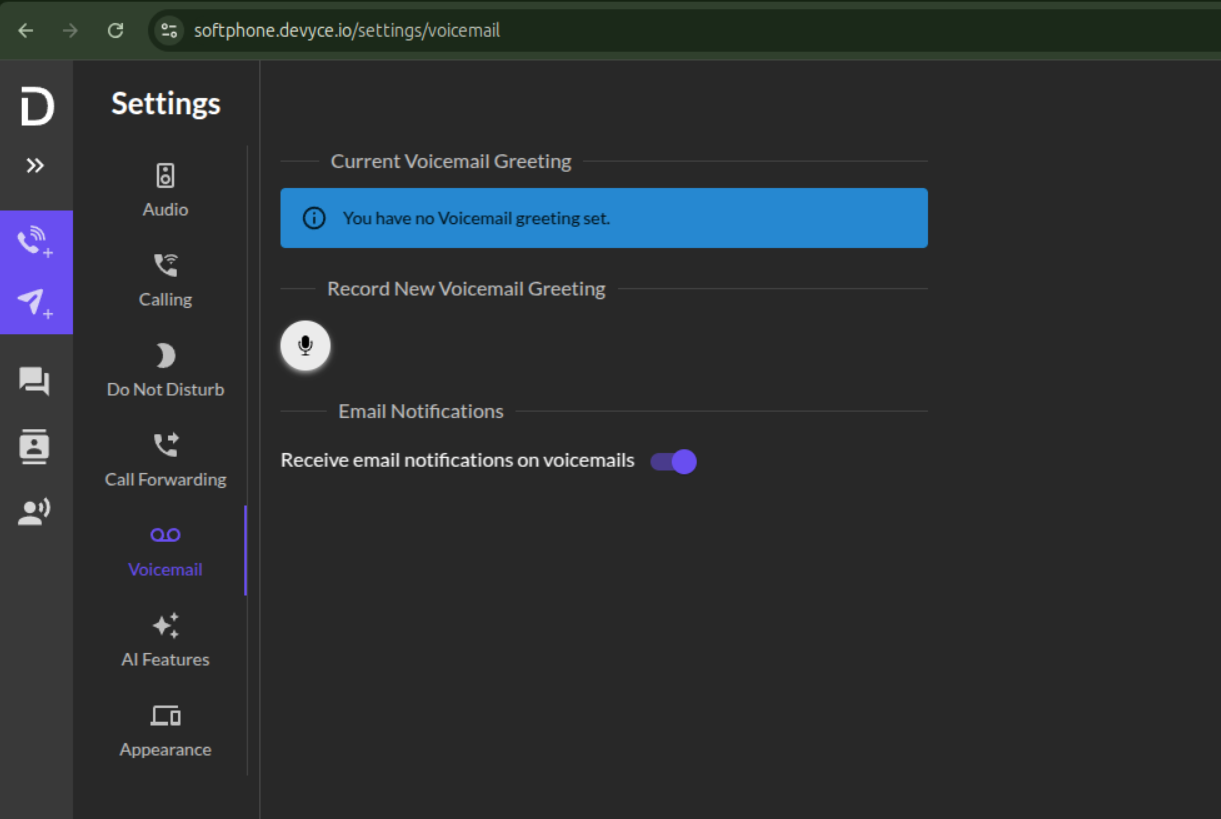
If this option isn't visible on your account, you may need it to be turned on. We can do this for you - please contact your account manager or support@devyce.co.uk to do so.