How to generate API Key's within the Devyce Portal
Last updated: October 13, 2026
Navigate to your portal https://portal.devyce.io/
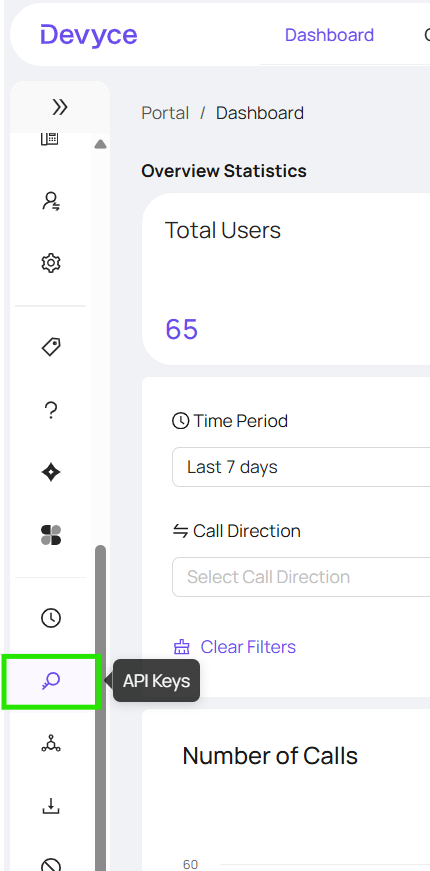
Click on the 'API Key' tab on the lefthand side toolbar
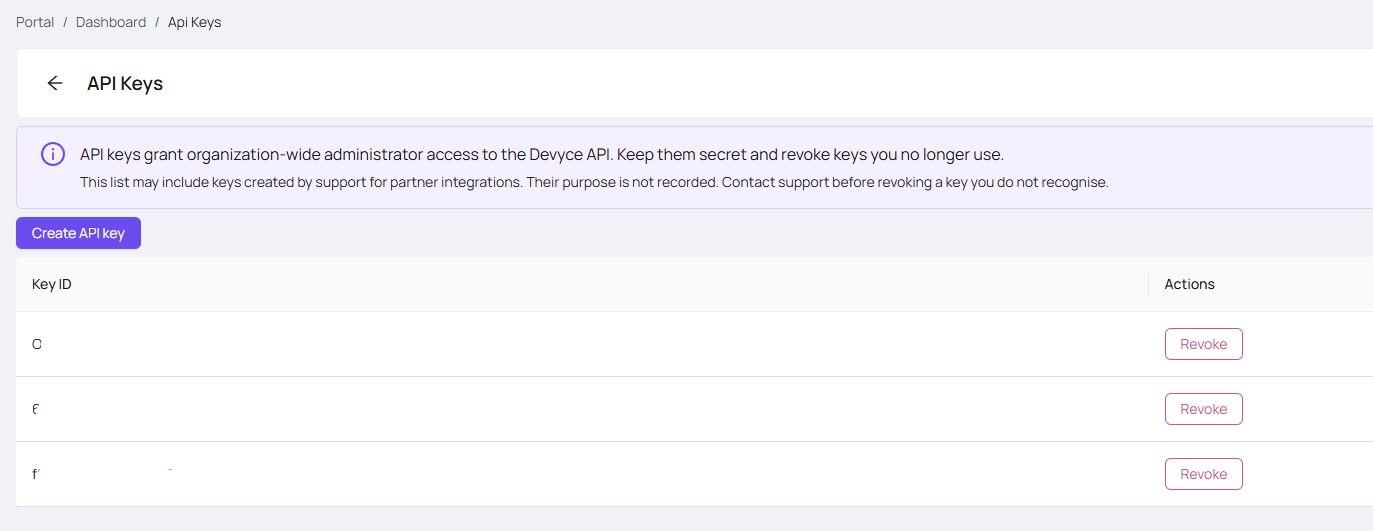
From here you can click 'Create API Key' and be able to revoke unneeded keys
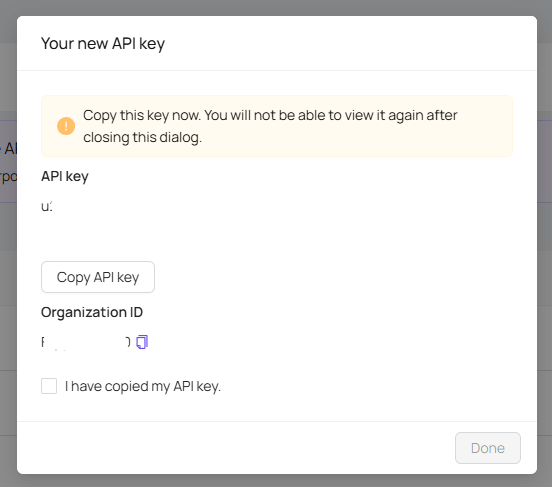
You will then be provided an API Key to copy, your Organisation ID to copy, and then once you have done so you can click 'I have copied my API Key' to click 'Done'
You can then use your API Key as needed