Getting Setup On Mercury
Last updated: June 24, 2026
You can download our PDF Guide or follow the below steps
To integrate with Devyce, please send an email to your Mercury Customer Success Manager and copy in api@wearemercury.com
You can use the following wording in your email to them, to avoid confusion:
"I would like Devyce Ltd to have third-party access to my Mercury Tenant. Please complete the necessary configuration and provide me with my tenantId credentials which Devyce Ltd can use to make API calls."
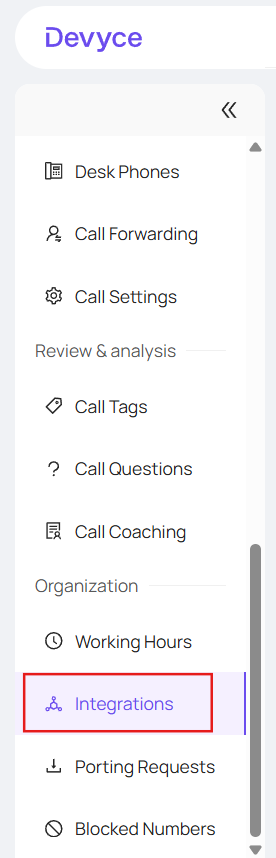
Once you have received the tenantid from Mercury, you can navigate to the integrations page within your Devyce portal and locate Mercury Integration: https://portal.devyce.io/dashboard/integrations
Within the configuration drop down, you can copy and paste the tenantid into the API key field and press the connect button.
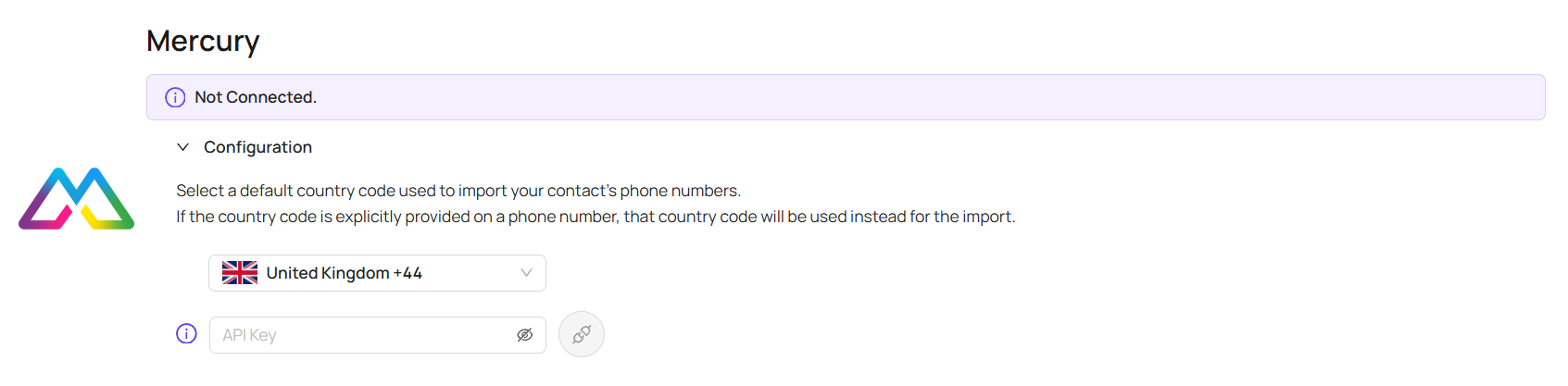
The status should show as 'syncing' and then 'connected' once all the contacts have finished syncing - please be patient when doing this, as it can sometimes take some time.

Once synced you will be able to:
Click to dial from Mercury
View all your Mercury Contacts within your Mobile App and Softphone
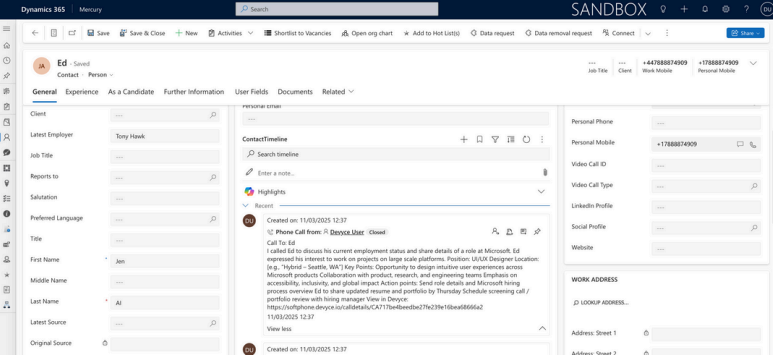
View all Call and SMS communication history within Mercury
View all AI call summaries within Mercury
If you experience issues with this please let us know at support@devyce.com