Setting up CRM Field Updates
Last updated: September 7, 2026
Navigate to the Devyce Portal (please note you need Admin permissions for this)
Go to the CRM Data Link section of the portal - https://portal.devyce.io/dashboard/crm-data-link?current=1&pageSize=10
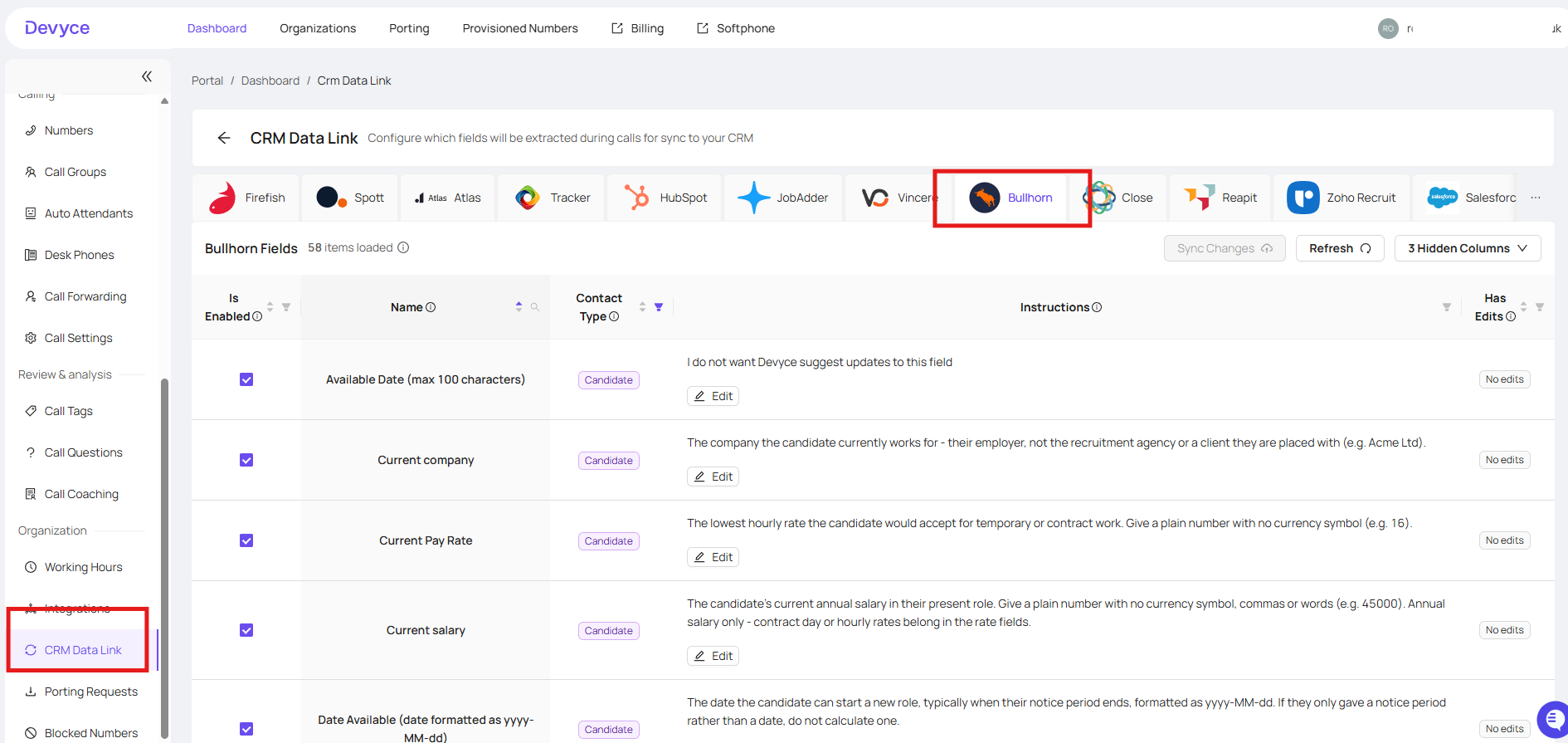
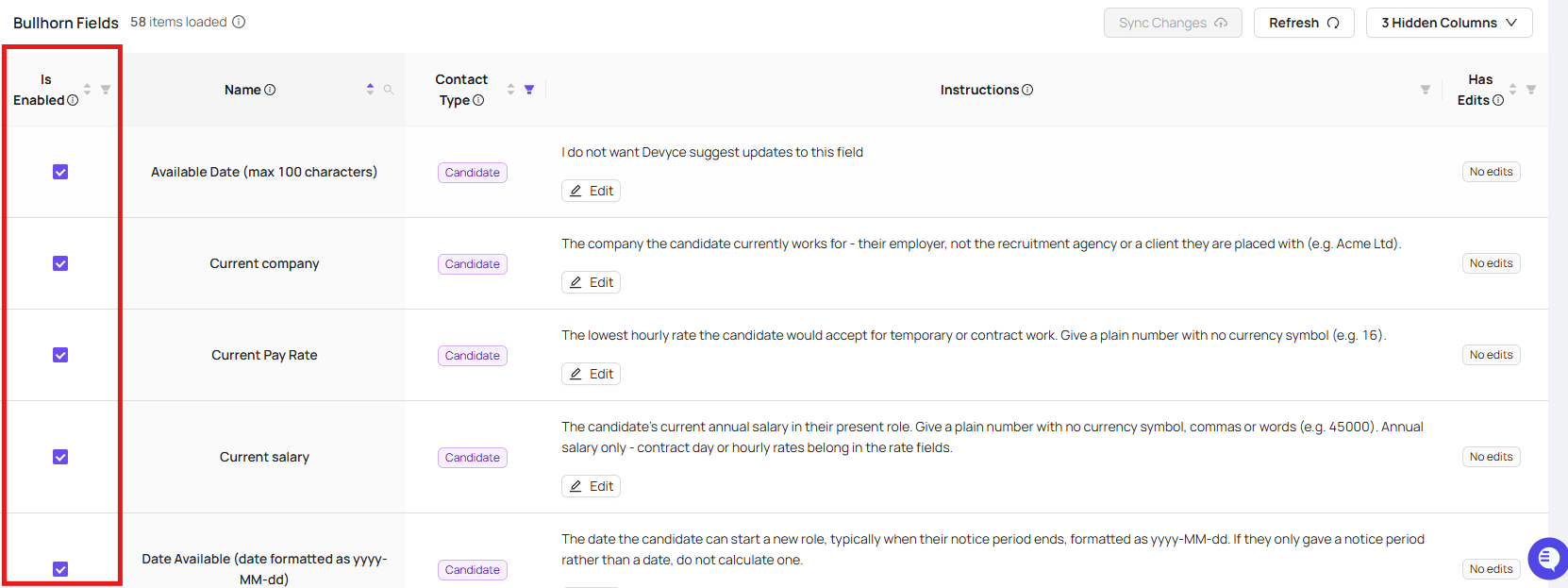
Only your CRM will show in this section - and you can then see the current CRM Fields and choose if you want the option to edit this to be enabled or not using the tick box on the left hand side
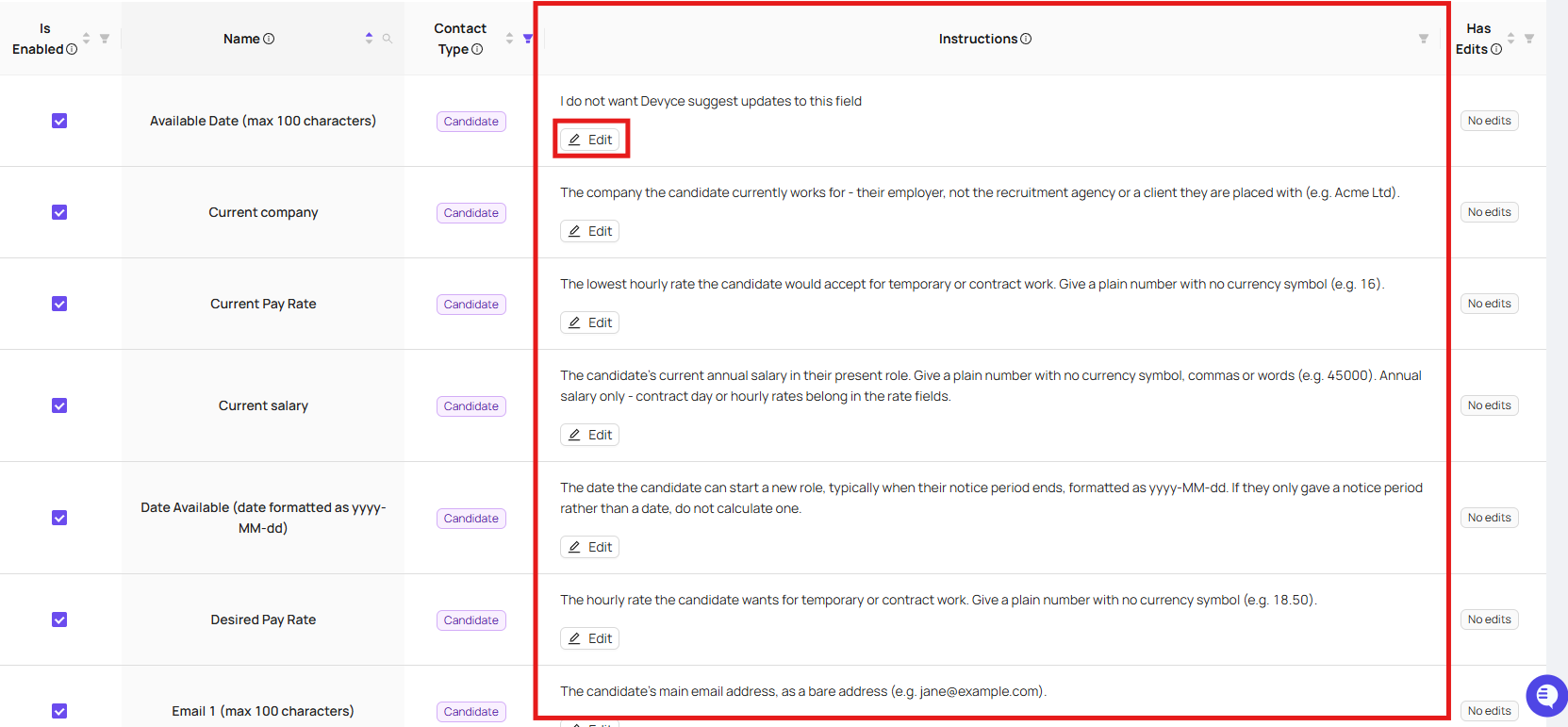
As well as visibility on the contact type, and ability to edit the instructions per field
Once these are enabled they will show within the Softphone for your users, as seen below