Getting setup on JobAdder
Last updated: June 24, 2026
You can download our PDF Guide or follow the below steps
You need to navigate to the 'Integrations' page in the Devyce Portal https://portal.devyce.io/dashboard/integrations
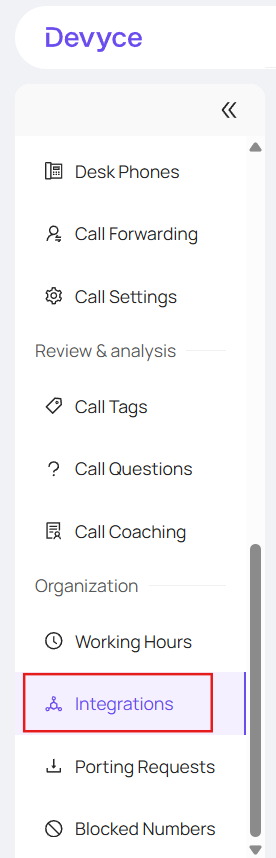
You then need to click the 'connect' button next to the JobAdder Integration

You will be redirected to JobAdder where you will need to Authenticate (Log in) using your own credentials
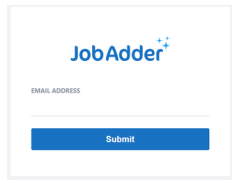
Once you have completed authentication within JobAdder you can agree to connect your integration.
You will then be redirected back to the portals integration page and can see the Integration 'syncing' and eventually 'Connected'

Once you have synced you will be able to:
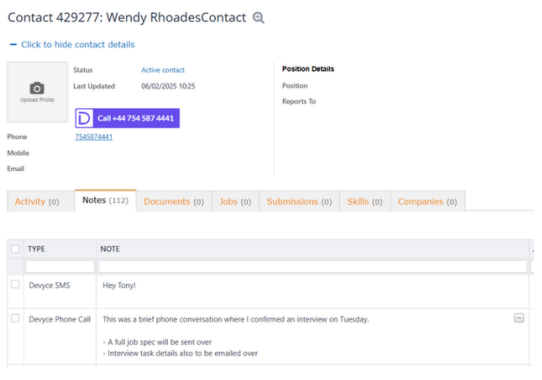
Click to dial from JobAdder
View all your JobAdder contacts in the mobile app & softphone
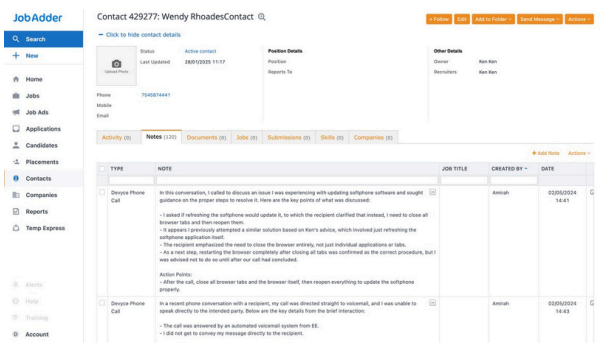
View all call and SMS history within JobAdder
View all AI call summaries in JobAdder