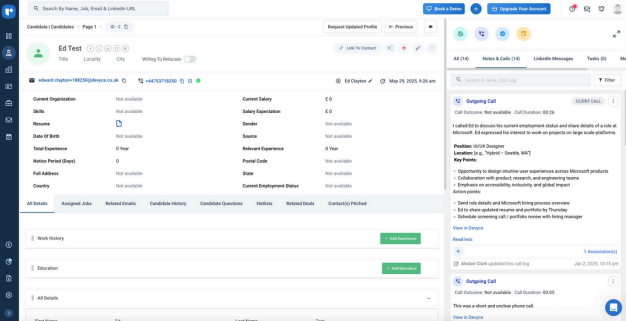
Getting setup on Recruit
Last updated: June 24, 2026
You can download our PDF Guide or follow the below steps
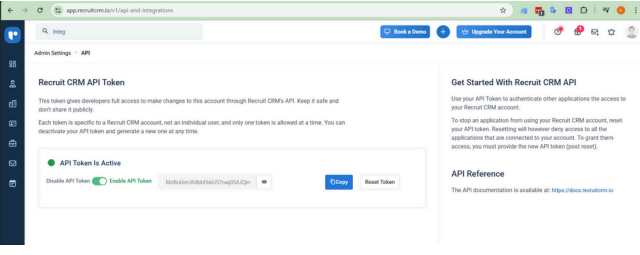
Click on the link https://app.recruitcrm.io/v1/api-and-integrations and generate a CRM API token
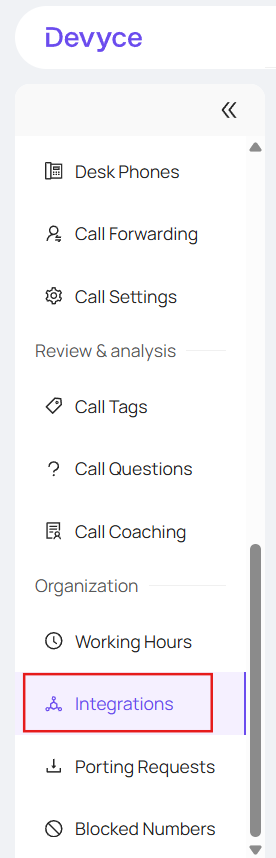
Please navigate to the 'Integrations' page in the Devyce Portal https://portal.devyce.io/dashboard/integrations
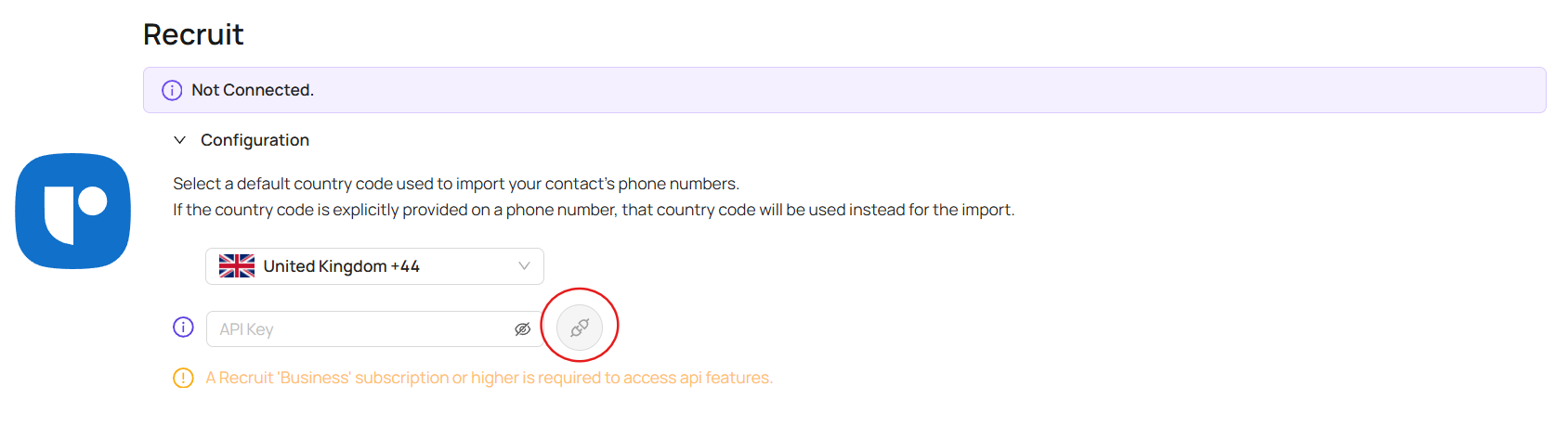
Input the API Token and press connect

Once synced you will be able to:
Click to dial from Recruit CRM
View all of your Recruit contacts in mobile app & softphone
View all calls and SMS communication history within Recruit
View all AI call Summaries in Recruit